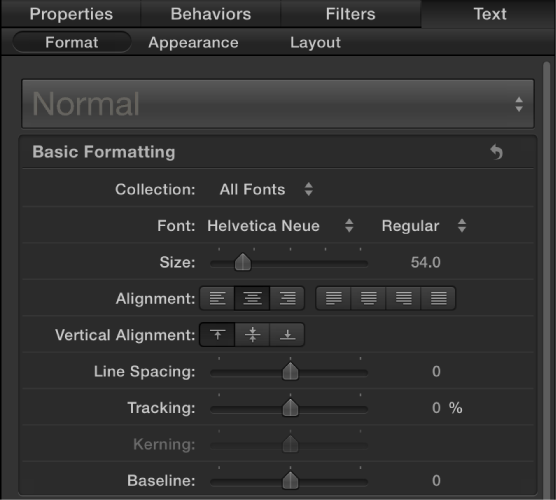
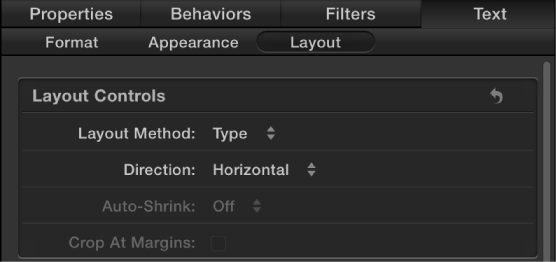
In many ways, 3D text is just like 2D text, and you can modify basic text attributes (including font, size, tracking, line spacing, and capitalization) the same way you modify those attributes for 2D text: by adjusting controls in the Format pane and Layout pane in the Text Inspector.
In the Layers list, Timeline, or Canvas, select a 3D text object, then open the Format pane of the Text Inspector and adjust font, size, alignment, line spacing, tracking and other basic attributes.
In the Layers list, Timeline, or Canvas, select a 3D text object, then open the Layout pane of the Text Inspector and adjust the layout method, direction, and other standard text layout attributes.