Transform layer properties in the Canvas

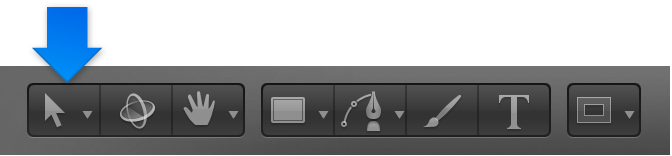
After you select a layer in the Layers list or Canvas, you can choose a 2D transform tool (from the pop-up menu in the toolbar) to activate transform handles in the Canvas. Drag the handles to transform basic image properties such as position, rotation, scale, and so on. For a list of transform tools and their functions, see 2D transform tools.

Activate the Select/Transform tool

The Select/Transform tool (the arrow) is the default 2D transform tool. Use it to resize, reposition, or rotate layers in the Canvas.

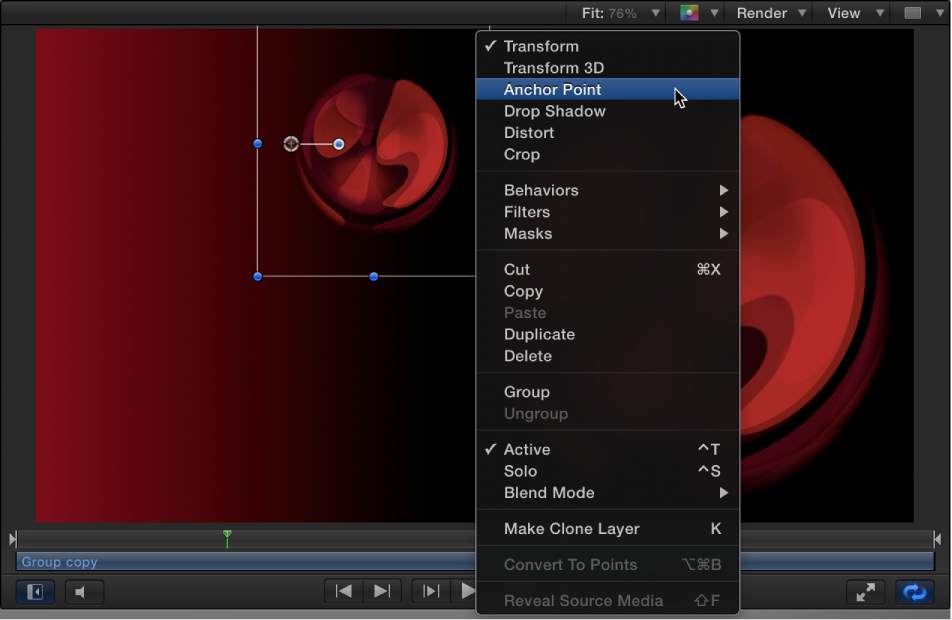
Choose a different 2D transform tool

When you choose a 2D transform tool from the pop-up menu in the toolbar, transform handles appear in the Canvas for each selected layer or group.
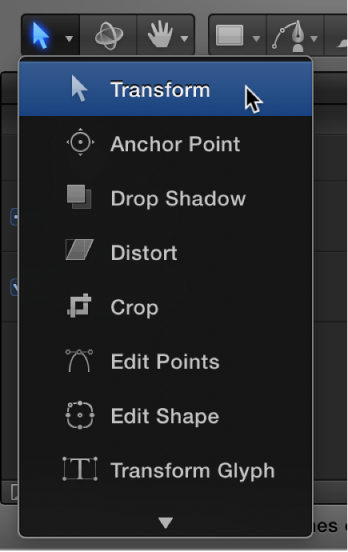
Do any of the following:

Transform layers

  1. Select one or more layers in the Layers list or Canvas.

  2. Choose a 2D transform tool from the pop-up menu in the toolbar, as described in the previous task.

  3. Drag a transform handle in the Canvas.

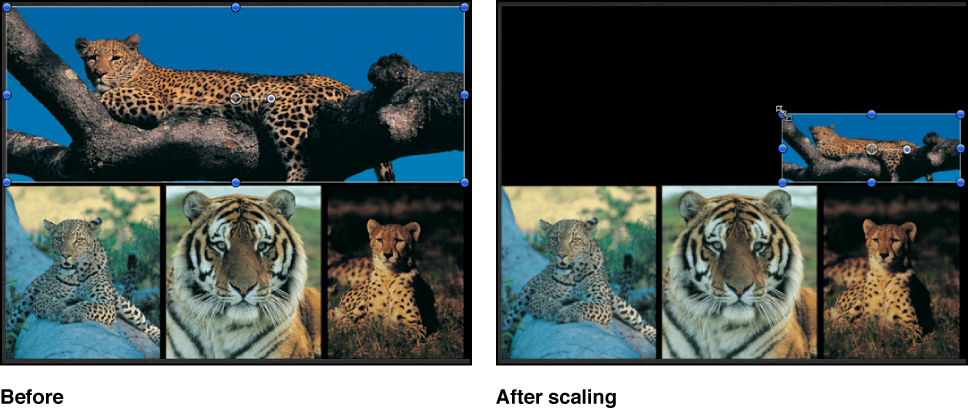
If you selected a single layer, only that layer is modified:

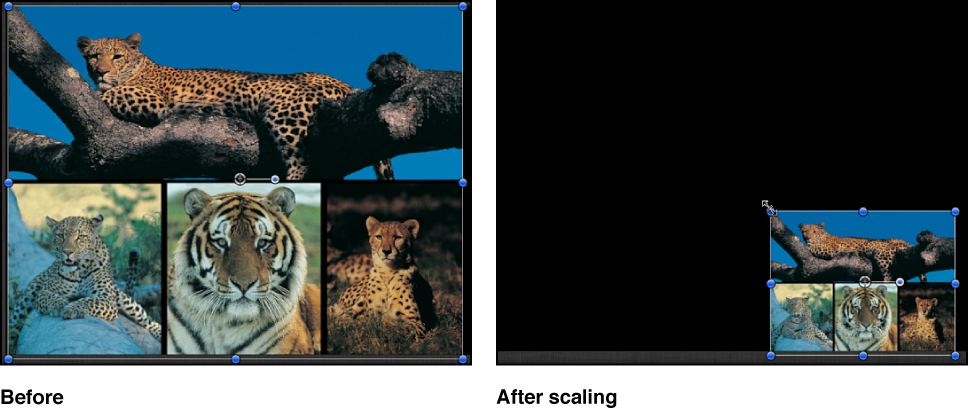
Canvas showing a single object being scaled

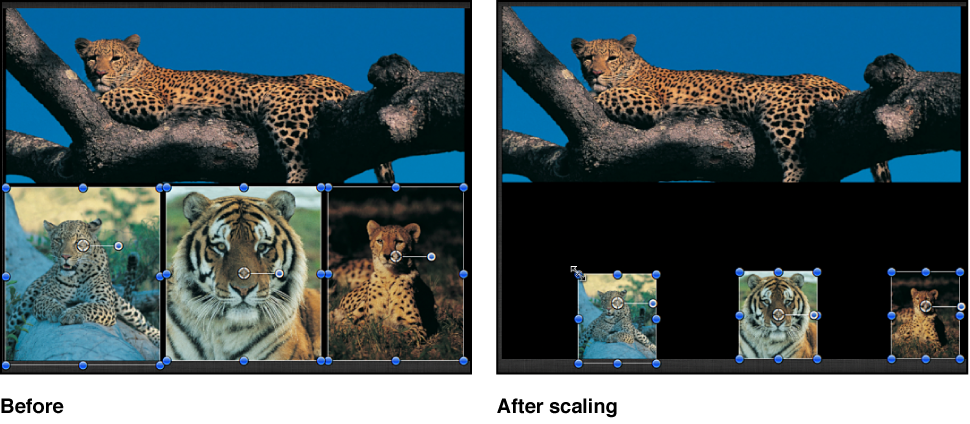
If you selected multiple layers, each is transformed. Each transform occurs around each layer’s own anchor point, so the effect is the same as if you applied the transform to each layer’s handle, one at a time:

Canvas showing multiple objects being scaled together

Transform a group

If you select and then transform an entire group, all layers and groups nested in it are treated as a single layer.

  1. Select a group in the Layers list.

    In the Canvas, a single set of transform handles appears on a bounding box that encompasses all layers in the group.

  2. Choose a 2D transform tool from the pop-up menu in the toolbar, as described above.

  3. Drag a transform handle in the Canvas.

All layer transforms occur around a single anchor point belonging to the group:

Canvas showing a group being scaled

If you select a layer and its parent group (but not the other layers in the group), the following occurs:

See also
Select layers and groups
2D transform tools