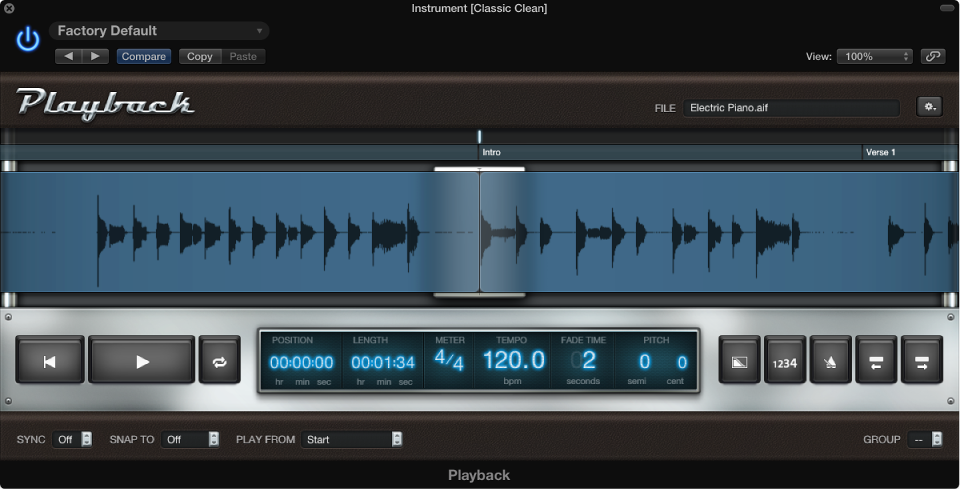
Add an audio file
Do one of the following:
Drag the audio file to the Instrument slot with the Playback plug-in.
Drag the audio file to the “tape” area of the plug-in window.
Click the File field in the plug-in window, select an audio file in the Open dialog, then click Open.
Choose Open File from the Action menu at the upper right of the Playback plug-in window, select an audio file in the Open dialog, then click Open.
The name of the audio file appears in the File field, and the waveform of the audio file appears in the Waveform display.