Add multiple instances of the same screen control in a row or column
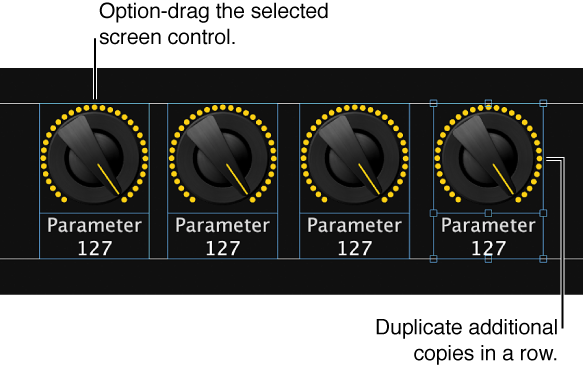
To create the first copy, Option-drag the screen control.
To create additional copies of the screen control, choose Edit > Duplicate.
The duplicated screen controls appear offset by the same amount as the first copy.