Change the icon for a channel strip
In the Attributes tab of the Channel Strip Inspector, choose an icon from the Icon well.
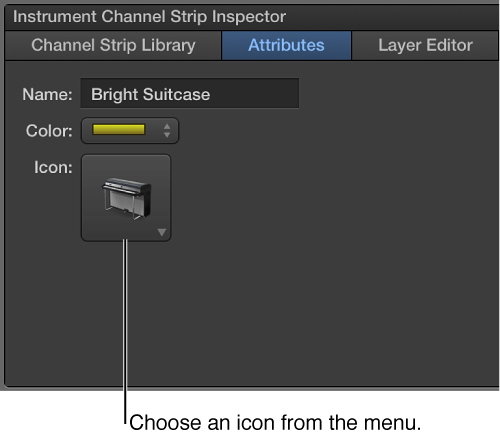

When you add a channel strip, the channel strip has a default icon, which appears above the Settings pop-up menu. You can change the icon to help visually distinguish channel strips with different instrument types or uses.
In the Attributes tab of the Channel Strip Inspector, choose an icon from the Icon well.