
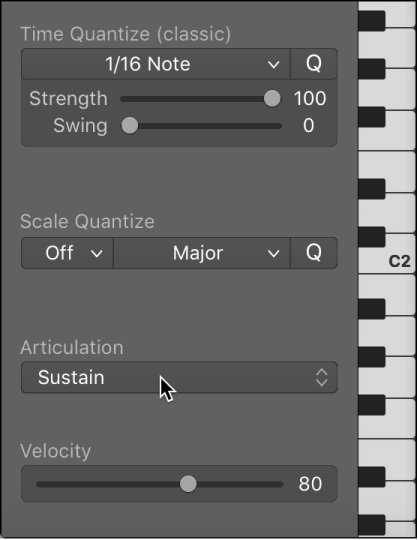
If articulations have been recorded along with notes and events in a region, an Articulation pop-up menu becomes available in the Piano Roll Editor. You can also use the shortcut menu to change note articulations. For more information on articulations, see Articulation editing overview.
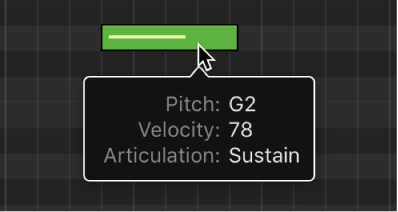
When an articulation has been assigned to a note, the help tag will display the chosen articulation.
Select one or more notes in the Piano Roll Editor and choose an articulation from the Articulation pop-up menu.
Select the notes in the Piano Roll Editor.
Control-click a selected note, then choose Articulation from the shortcut menu.
Choose an articulation from the submenu.
You can also change the color of notes by articulation. For more information, see Change the color of notes in the Piano Roll Editor.