
You can use the Down Mixer plug-in to adjust the input format of the surround master channel strip. This lets you quickly check the surround mix in stereo, for example.
Channel mapping, panning, and mixing are handled behind-the-scenes. You do, however, have some control over the mix:
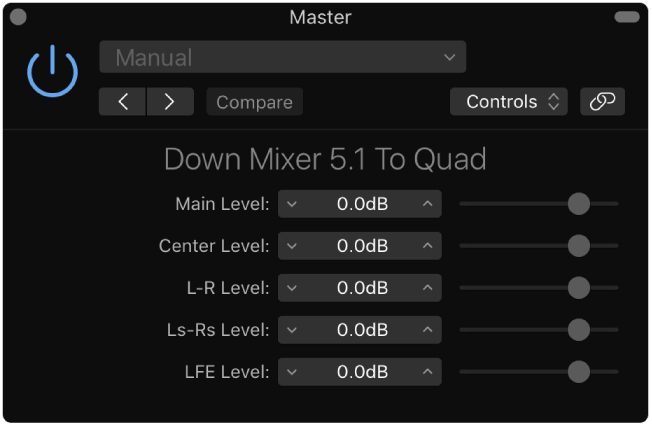
Dest Format pop-up menu: Choose the surround destination format: To Quad, To LCRS, To Stereo.
Level sliders: Control the respective channel levels.
Note: The number, and names, of sliders depends on the chosen plug-in format.