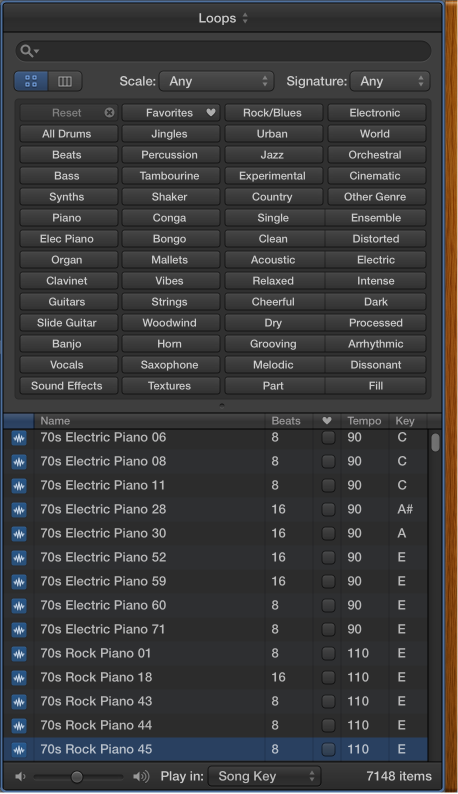

Apple Loops are prerecorded musical patterns that you can use to quickly add drum beats, rhythm parts, and other musical phrases to a project. Apple Loops contain musical patterns that can be repeated over and over, seamlessly. After you add a loop to the Tracks area, you can extend it to fill any amount of time. When you add an Apple Loop to a project, it automatically matches the project tempo and key.
Apple Loops are available in a variety of instruments, genres, and moods in the Loop Browser.
There are two types of Apple Loops:
Audio Apple Loops: You add audio loops to audio tracks, and edit them like other audio regions.
Software Instrument Apple Loops: You add software instrument loops to software instrument tracks, and edit them like other MIDI regions.
Click the Apple Loops button  in the control bar (or press O).
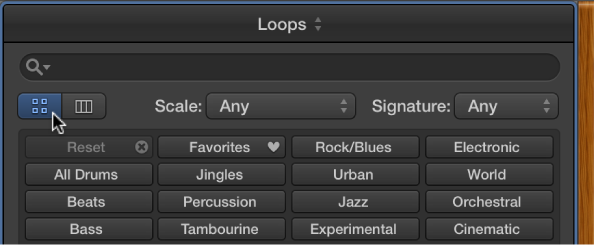
Click the Button View button, then click keyword buttons to see matching loops in the results list. Keywords with no matching loops are dimmed.
Click a loop in the results list.
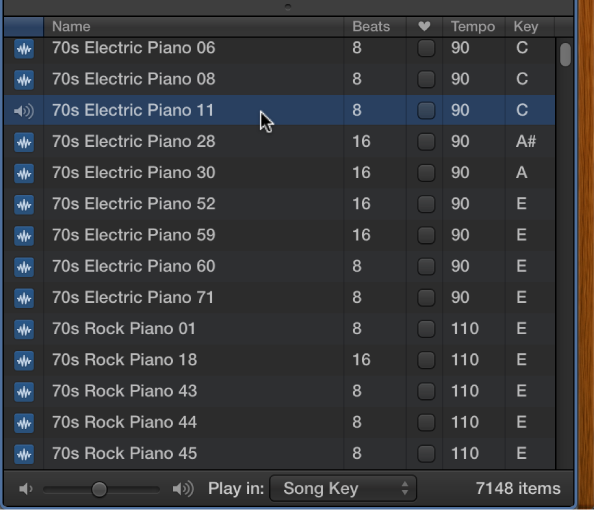
You can adjust the preview volume, and choose a different key for the loop.
To stop preview playback, click the loop again.
Do one of the following:
Drag the loop to a track of the same type to add it to that track.
Drag the loop to an empty part of the Tracks area to create a new track with the loop.
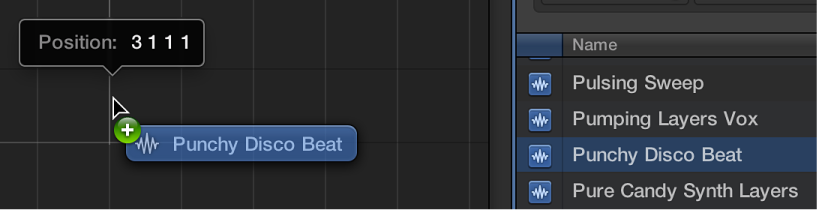
After you add the loop to the Tracks area, you can drag it left or right to adjust the point where it starts playing.
You can also search for loops by name, key, or time signature. For more information about using Apple Loops in your projects, see What are Apple Loops?.