
The content of Drummer regions can be edited in a dedicated Drummer Editor.
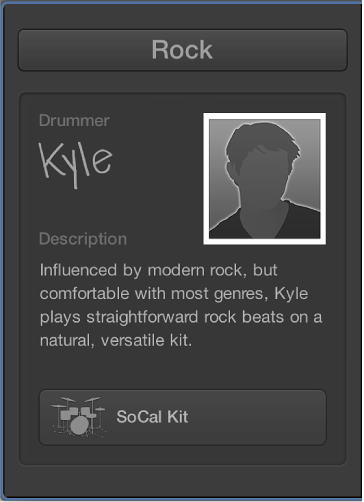
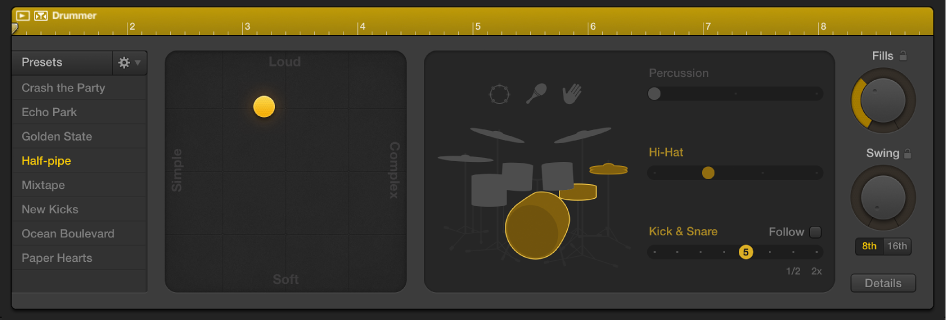
The left side of the Drummer Editor includes track-based settings. You can choose drum genres and drummers whose sound and playing style are applied to all content on the Drummer track.
The right side of the editor includes region-based settings, which influence the complexity, loudness, and other aspects of selected Drummer regions. You can choose and create presets for Drummer regions. Presets offer a quick way to browse predefined, region-based Drummer Editor settings, including percussion and kit piece pattern variations and fill settings.
Note: Drummer regions can be edited in the Tracks area in much the same way as you edit MIDI regions, with the exception of region overlapping. When overlapping, Drummer regions always use the No Overlap drag mode.
Do one of the following:
Double-click a Drummer region on a Drummer track.
Select one or more Drummer regions on a Drummer track, then click the Editors button  in the control bar.
Select a Drummer track, then click the Editors button .
The Drummer Editor opens below the Tracks area.
The Drummer Editor shows the settings for the currently selected Drummer region. You can set the Drummer Editor to auto-select the Drummer region under the playhead, so that the Drummer Editor always displays the settings of the Drummer region currently playing.
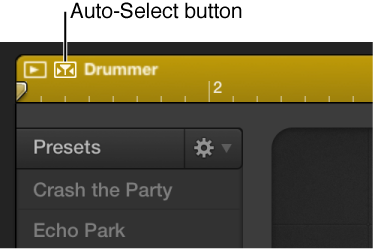
Click the Auto-Select button in the upper-left corner of the region in the Drummer Editor.