Edit a take region’s start or end point
Place the pointer over the lower-left or lower-right edge of the take region, then drag when you see the Resize pointer.
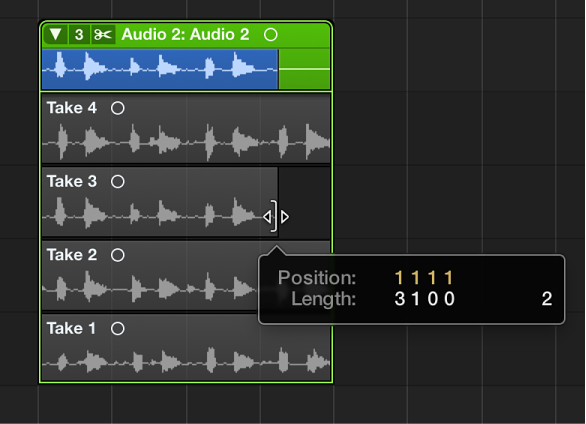

You can edit the start and end points of take regions, which allows you to remove the bad part of an otherwise good take.
Also, after cutting a take region, you might want to resize one of the two adjacent regions. Resizing one of them might impact the length of the other.
Note: To perform the following tasks, you must turn off Quick Swipe Comping mode for the selected take folder.
Place the pointer over the lower-left or lower-right edge of the take region, then drag when you see the Resize pointer.
Place the pointer over the top-left or top-right edge of the take region, then drag when you see the Junction pointer.
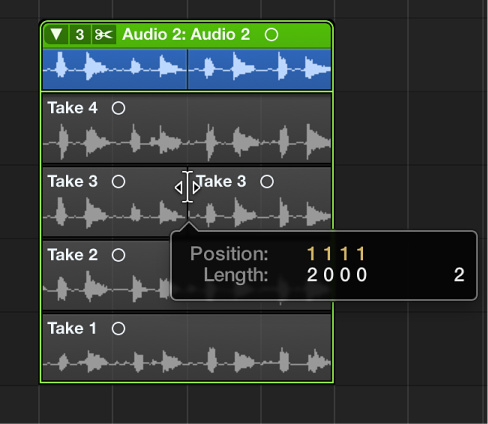
Extending a take region (dragging the start point to the left or the end point to the right) automatically shortens the adjacent take region. Shortening a take region (dragging the start point to the right or the end point to the left) automatically extends the adjacent take regions. This behavior ensures that you do not create silence between different take region sections.