Split and join audio regions in the Audio Track Editor

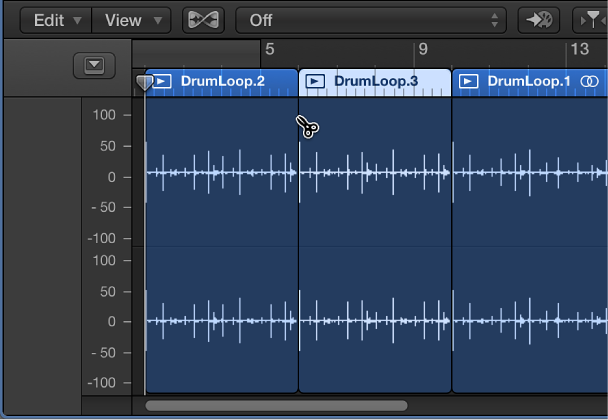
You can split an audio region into segments in the Audio Track Editor, and move the segments so that they play back at a different point in time.

You can also join regions or region segments from audio recordings into a single region. Regions from audio Apple Loops, and audio regions that have been transposed can’t be joined.

To be joined, audio regions must be adjacent to each other on the same track. If you join segments of compressed audio files, the files are converted, by default, to PCM format (the file type is set in the Audio > General preferences pane).

Split an audio region

Before moving or deleting a segment of a split audio region, click the region to select it.

Join regions or region segments

  1. Select the regions or region segments.

  2. Do one of the following:

    • Choose Edit > Join > Regions.

    • Select the Glue tool, then Shift-click the selected regions.