
Change the margin and header space values
In Page view, choose the following settings from the Score Editor’s View > Page Display Options submenu:
Print View
Show Margins
Change the margin values by dragging the orange lines.
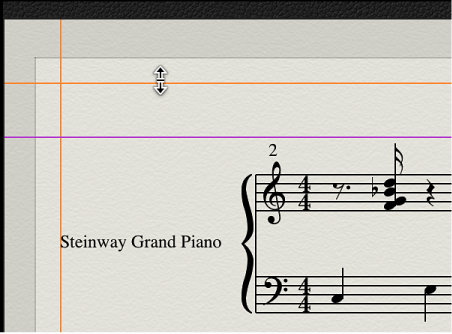
Change the header space value by dragging the purple line.
Only the currently displayed setting (full score or part) is affected.