Each genre comes with a number of drummers who have their own drum kit and distinct playing style.
When you add a Drummer track to the project, a default genre and drummer is loaded, along with a default patch associated with the drummer. You can change the genre and the drummer, with these changes influencing all regions on the track. If you change a drummer, a new patch is loaded, which means that the drum kit as well as the kit mix is replaced with that of the new drummer. However, it’s possible to choose a new drummer without loading a new patch, without changing any region settings you have made on the track, or without changing the drum kit.
Note: Some drummers are only available after you download additional content.
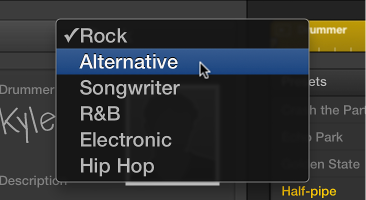
Choose a genre from the Genre pop-up menu.
You can choose Rock, Alternative, Songwriter, R&B, Electronic, or Hip Hop.

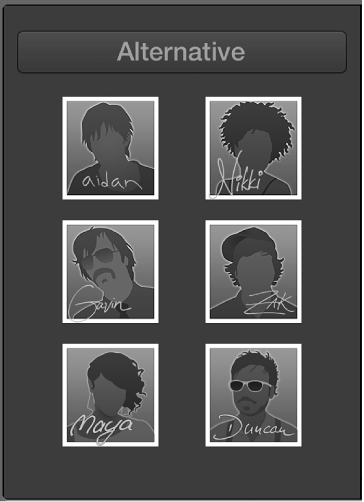
The available drummers for the chosen genre appear.

Click a drummer.
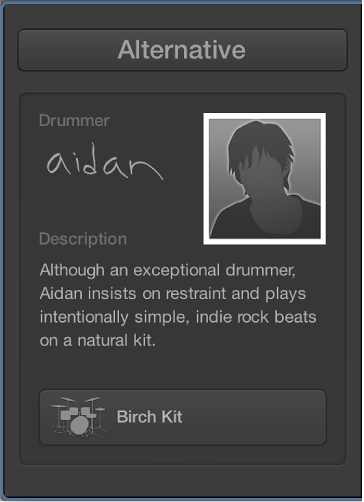
A character card appears, showing a description of the drummer’s playing style, and the name of the predefined patch that is loaded.

Do either of the following:
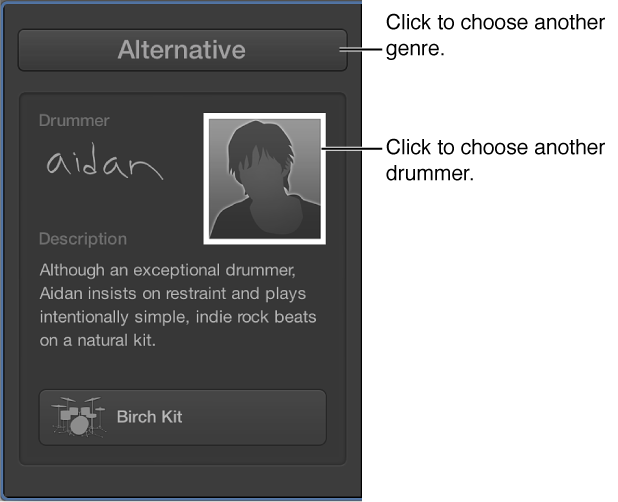
To choose another drummer: Click the drummer to return to the drummer overview page.

To choose another genre: Choose a different genre from the Genre pop-up menu.
Hold down Option while choosing a drummer.
Choose “Keep settings when changing drummers” from the Action pop-up menu in the presets area.
Choose “Keep drum kit when changing drummers” from the Action pop-up menu in the presets area.