
Export the current project as an AAF file
Choose File > Export > Project as AAF File.
In the Save AAF File As dialog, set the following options:
Sample Rate: Choose 44.1 kHz, 48 kHz, 88.2 kHz, or 96 kHz.
Bit Depth: Choose either 16 or 24 bit.
File Format: Choose WAVE or AIFF.
Dither Type: Choose None or any of the four dither algorithms (see About dithering algorithms).
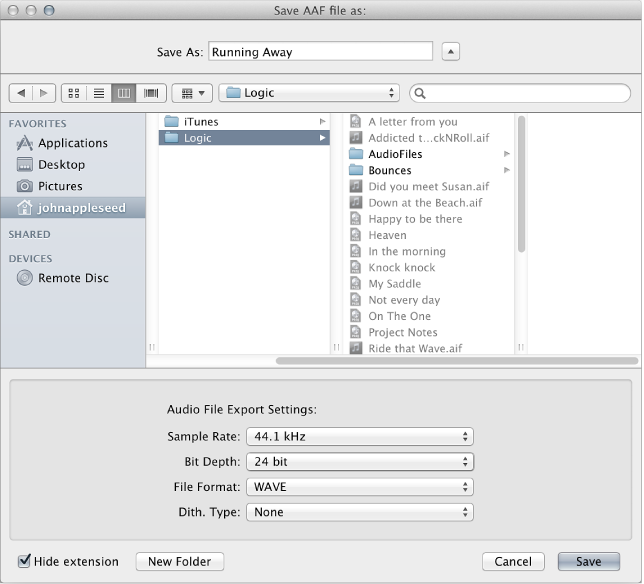
Choose a location, enter a name for the file, then click OK.
The export includes all used regions, inclusive of track and position references and volume automation.