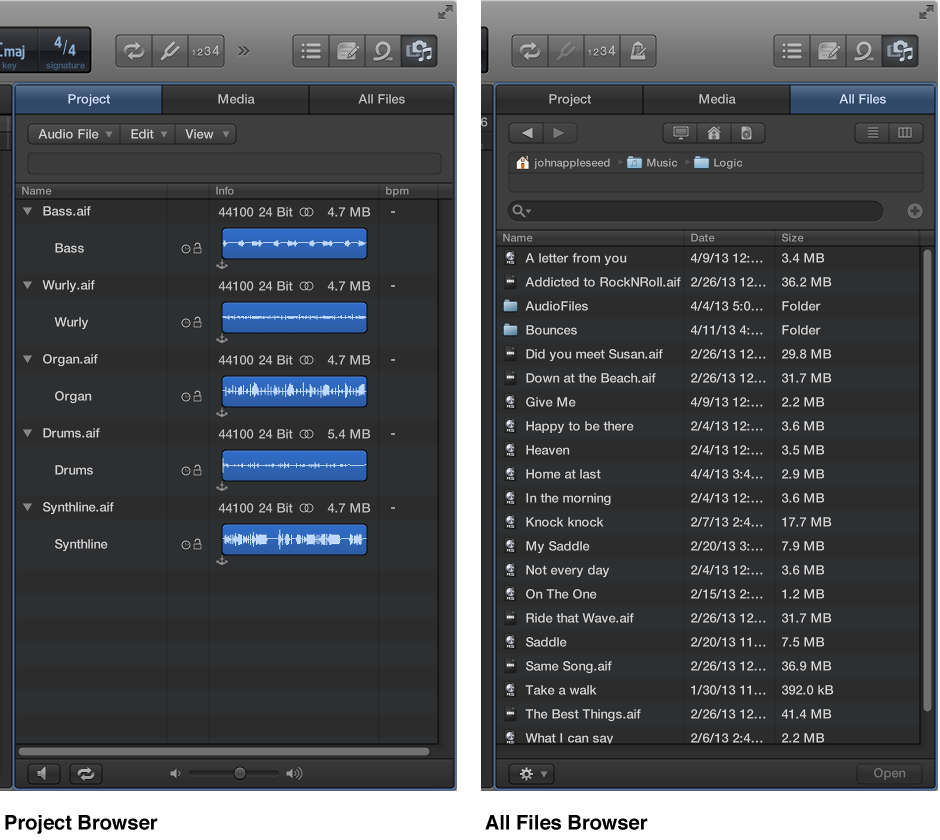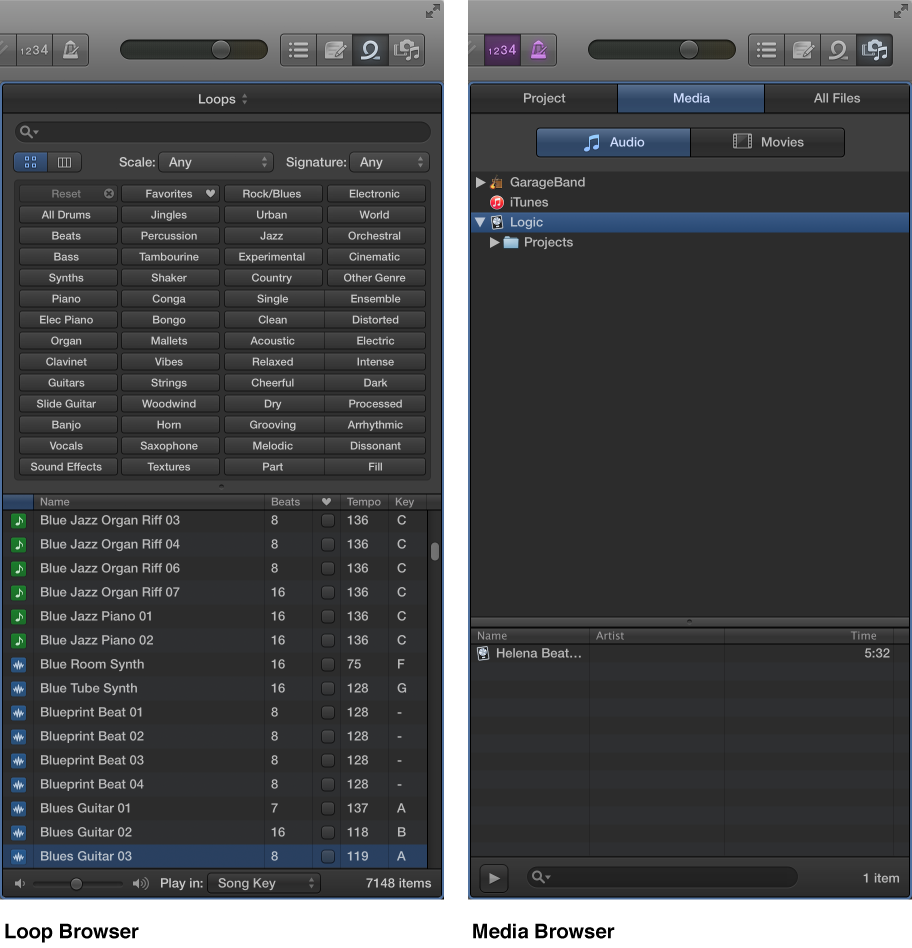

Logic Pro comes with a large collection of prerecorded loops, offering a great starting point for many of your projects. You can start composing a song by dragging Apple Loops from the Loop Browser to the Tracks area. If you wish to import songs, movies, or a variety of other prerecorded media into your project, you can accomplish this via the Media Browser. Combining existing loops and other media files provides a quick method for laying down project foundations. Below is a list of the browsers available to you.
Loop Browser: Use to add Apple Loops to your project.
Media Browser: Use to import songs and movies into your project. You can also import GarageBand projects.
 The following browsers are only available when Show Advanced Tools is selected in the Advanced preferences pane:
Project Audio Browser: Use to add and remove audio files.
All Files Browser: Use to import files, search for files using advanced search criteria, and import data and settings from other projects.