Change the ruler display

There are two display modes for the Audio File Editor ruler.

You can also customize the ruler so that it’s displayed in samples, Min:Sec:Ms, SMPTE Time, or Bars/Beats.

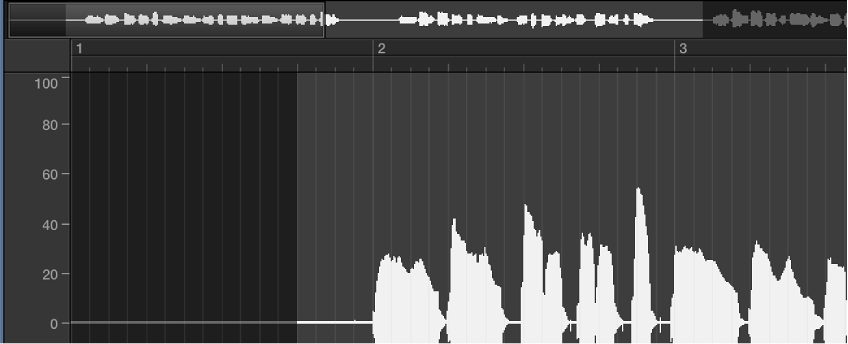
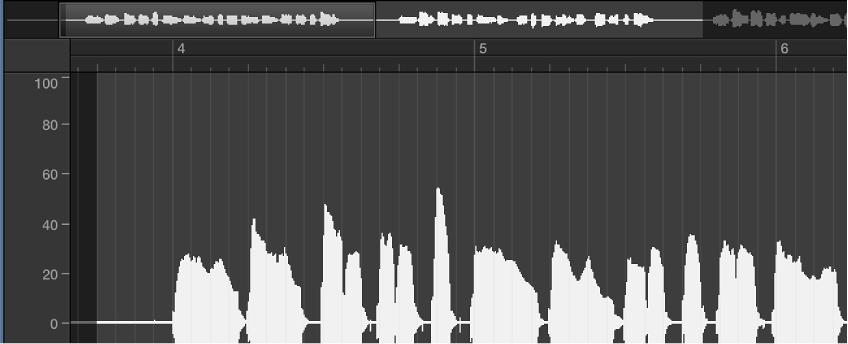
The scale units in the ruler are displayed with solid white lines when you view the time scale according to its absolute position. When you view the time scale according to its relative position, the scale units are dotted (indicating that no time connection exists).

Use relative display mode

Do one of the following:

The start position of the section is automatically assigned to the 0 value, or a value of 1 1 1 1 if set to Bars/Beats. The scale unit lines are dotted.
Use absolute display mode

Do one of the following:

Time is measured from the start of the project and is assigned a value of 0, or a value of 1 1 1 1 if set to Bars/Beats. In this mode, the absolute (project) time is shown in the ruler.

Change the Audio File Editor ruler time scale