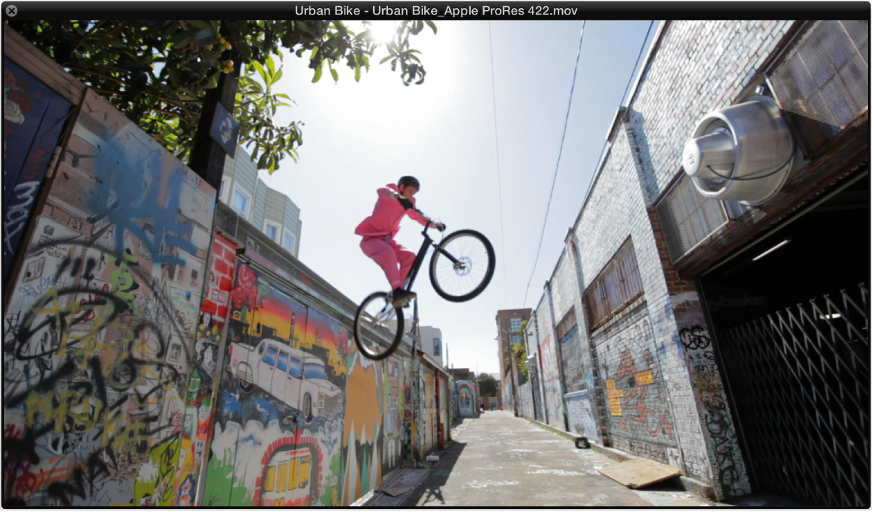

You can drag the slider at the bottom of the Movie window or use the QuickTime transport buttons to navigate to any position in a video file. The Logic Pro X playhead will then “chase” to the corresponding project position. All QuickTime transport functions interact with those of Logic Pro X.
Do one of the following:
Drag its lower-right corner.
Control-click the movie, then choose one of the following image formats from the shortcut menu.
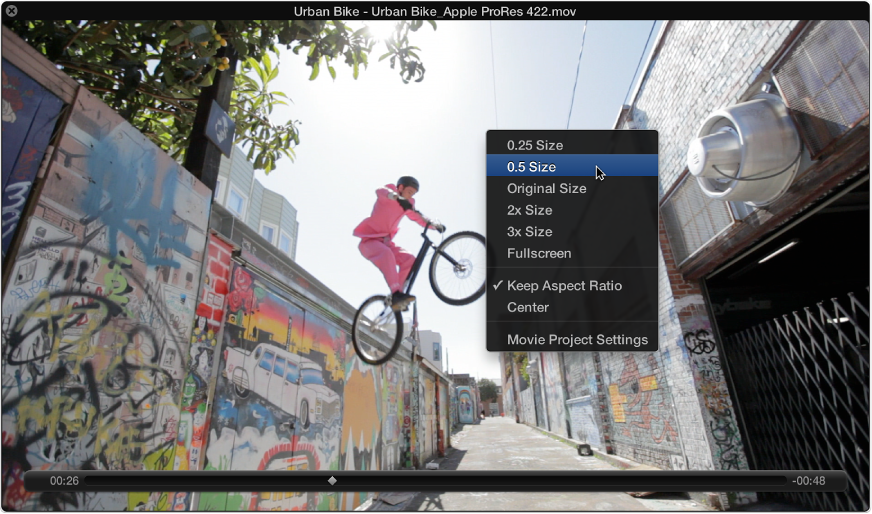
0.25 Size: Reduces the movie to a quarter of its original size.
0.5 Size: Reduces the movie to half its original size.
Original Size: Displays the movie at its original size.
2x Size: Expands the movie to twice its original size.
3x Size: Expands the movie to three times its original size.
Fullscreen: Expands the Movie window to fill the full screen.
Keep Aspect Ratio: If selected, the proportions of the image are retained when the Movie window is resized.
Center: Places the video image in the center of your screen.