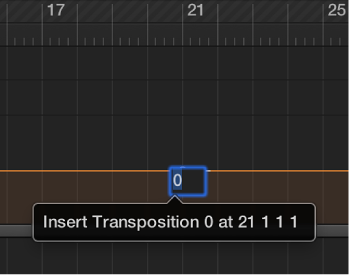
Add and edit transposition points

You control transposition by adding and editing transposition points in the Transposition track. Working with transposition points is similar to working with automation points in the Tracks area.

Add a transposition point

Do one of the following:

A transposition point is added, set to the value you entered.

Change the value of a transposition point

Delete a transposition point

Do one of the following:

Transposition events can be copied using the standard Copy and Paste operations or by dragging them while holding Option.

You can also copy or move multiple transposition events simultaneously, which can be useful for repeated project sections.