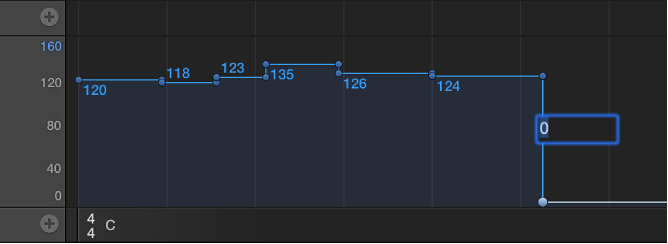
Add a tempo point
Do one of the following:
Double-click the target time position with the Pointer tool.
Click the target time position with the Pencil tool.
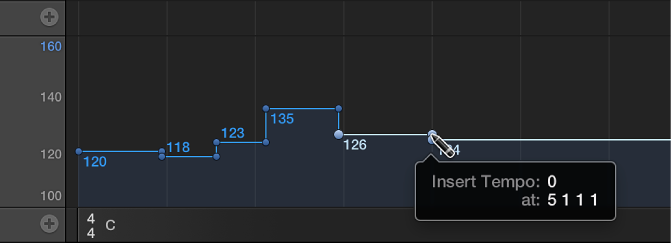
When using the Pencil tool, watch the help tag, and don’t release the mouse button until it shows the intended tempo and position. No help tag appears when you double-click with the Pointer tool.
To set the tempo numerically, hold down Control-Option-Command and click the target time position, enter the bpm value in the field that appears, then press Return.