Cut take folders and take regions

You can cut take folders and take regions, creating multiple take folders or multiple take regions on the same take lane.

Note:  To perform the following tasks, you must turn off Quick Swipe Comping mode for the selected take folder.

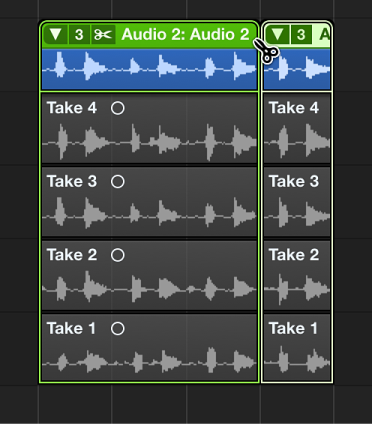
Cut a take folder

The take folder is cut at the clicked position and all takes inside the take folder are also cut at the same position. As a result, your track lane contains multiple take folders and your take lanes contain multiple take regions, all of which can be edited independently.
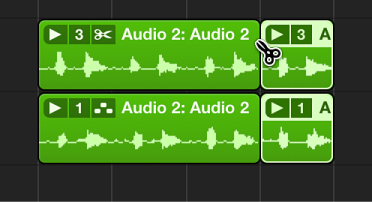
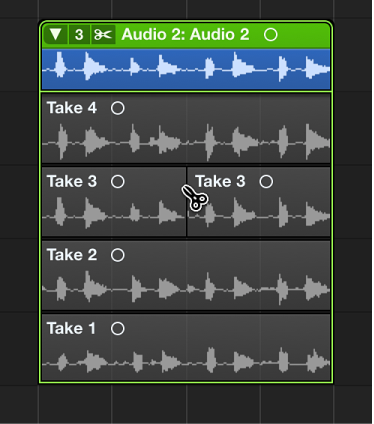
Cut multiple take folders

The take folders are cut at the clicked position and all takes inside the take folders are also cut at the same position. As a result, your track lanes contain multiple take folders and your take lanes contain multiple take regions, all of which can be edited independently.
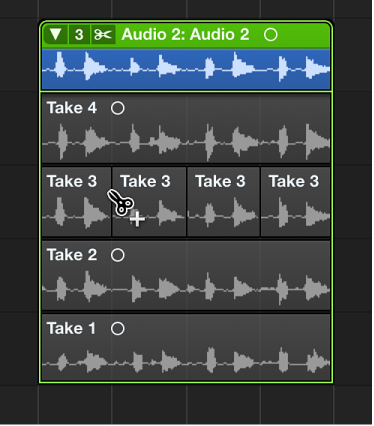
Cut a take region

Make multiple cuts across a take region

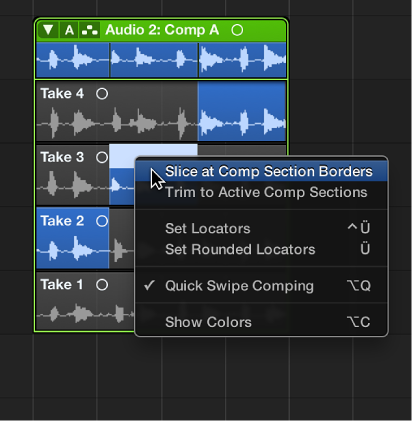
Slice a take region at comp section borders

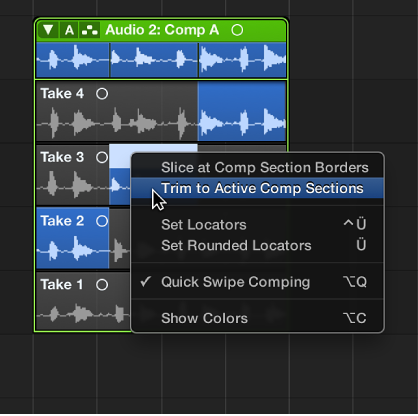
Trim a take region to active comp sections