Edit sections of different take regions
Do one of the following:
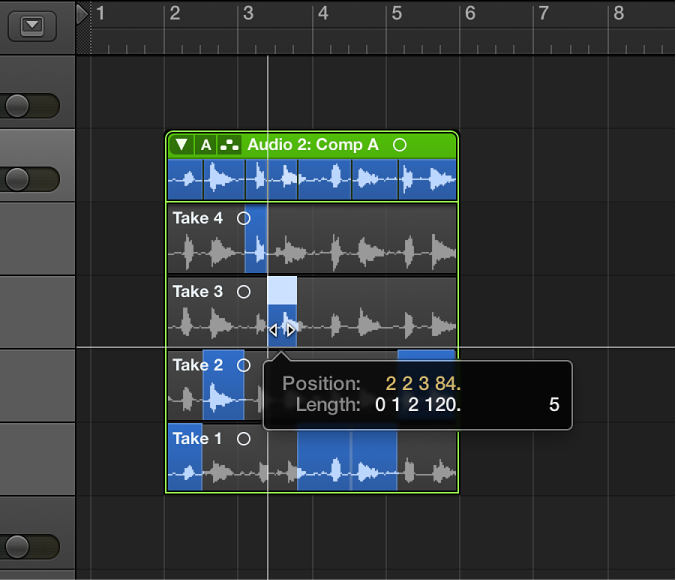
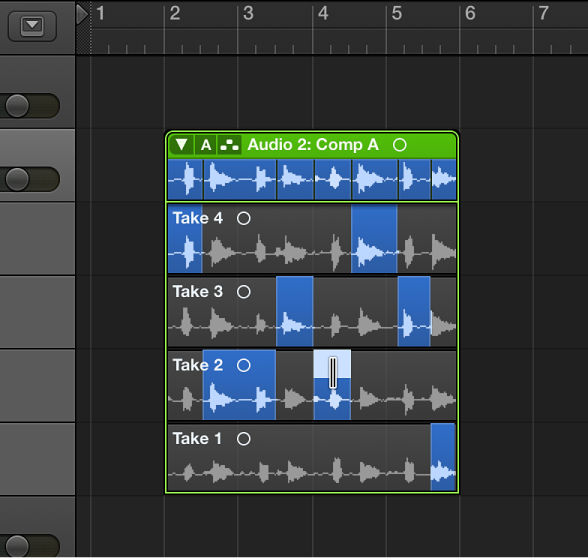
To extend a take section: Place the pointer over the start or end point of a take selection, then drag.
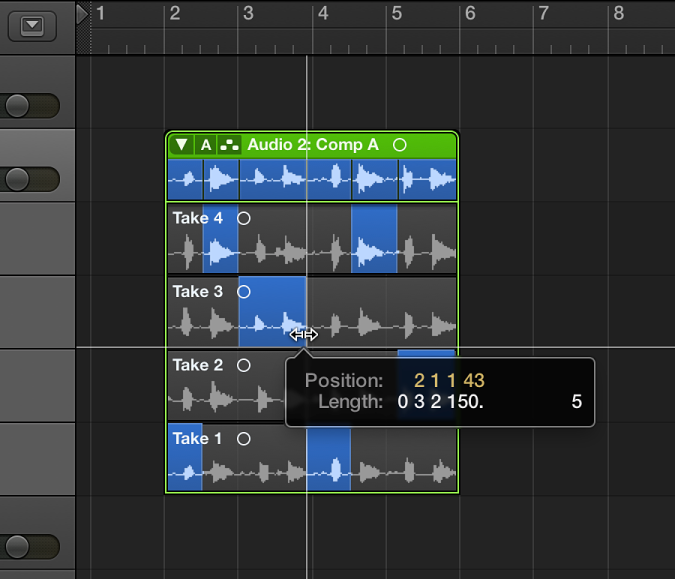
Extending a take selection (dragging the start point to the left or the end point to the right) shortens adjacent selections on other takes. Shortening a take selection (dragging the start point to the right or the end point to the left) extends adjacent selections on other takes. This ensures that you don’t create silence between take selections.
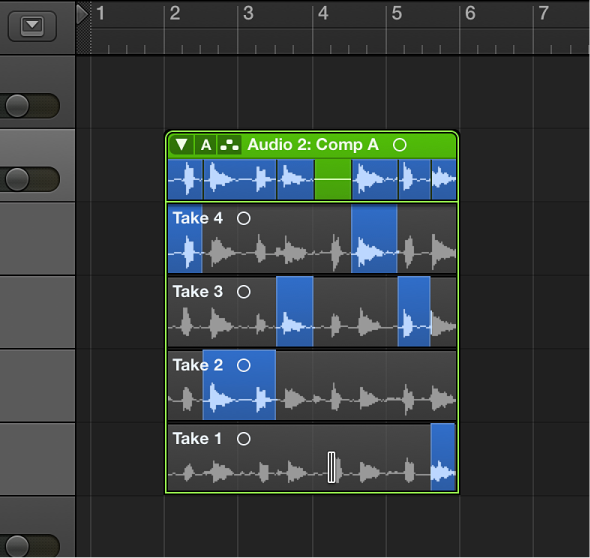
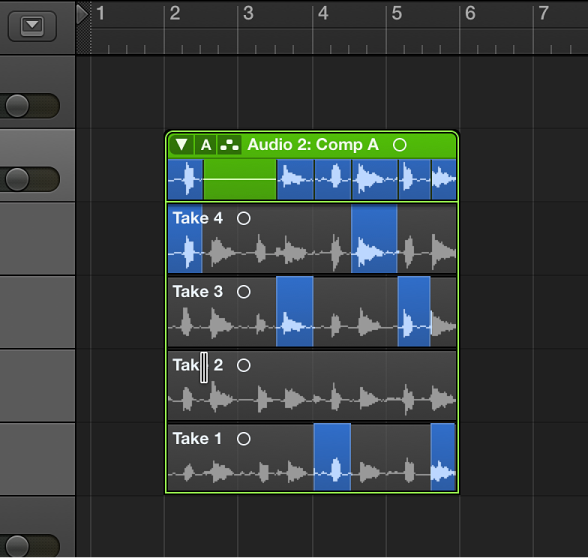
To shorten a take section: Place the pointer over the start or end point of a take selection, then Shift-drag.
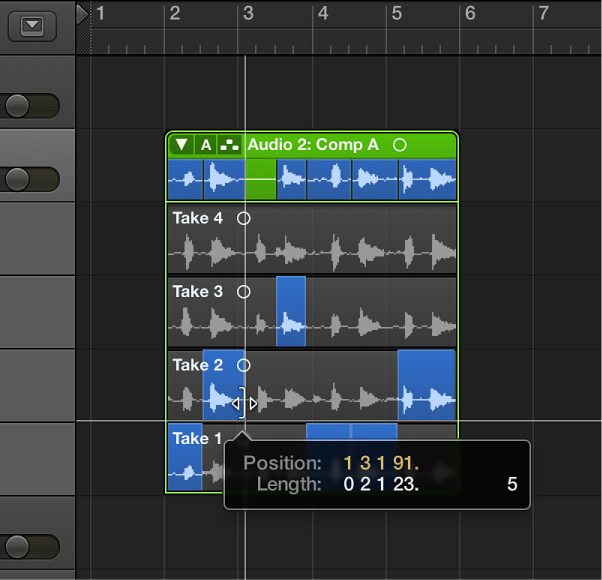
Shortening a take selection (dragging the start point to the right or the end point to the left) does not extend adjacent selections on other takes. This allows you to create silence between take selections.