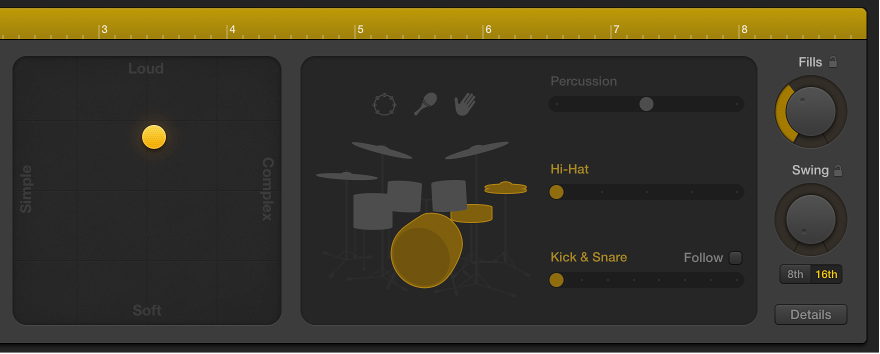

There are a number of settings in the Drummer Editor that affect the drummer’s playing style. These settings are located to the right of the presets area.
You can edit the complexity and loudness of the performance, mute and unmute drum kit pieces, and choose whether a pattern is played on the toms, cymbals, or hi-hat. The percussion icons can be used to turn on different instruments, and you can choose between different variations for the drum and percussion pieces. You also have the option to play half time or double time for kick and snare.
Reposition the puck in the XY pad.
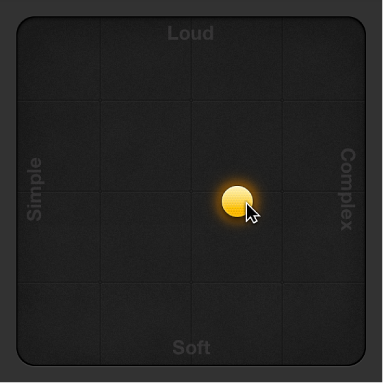
The farther right you place the puck, the more complex the sound becomes; the higher you place the puck, the louder the sound plays.
Do any of the following:
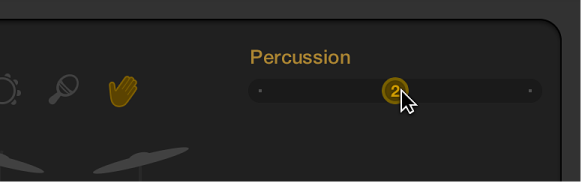
For percussion sounds: Click an instrument, then drag the Percussion slider or choose an increment.
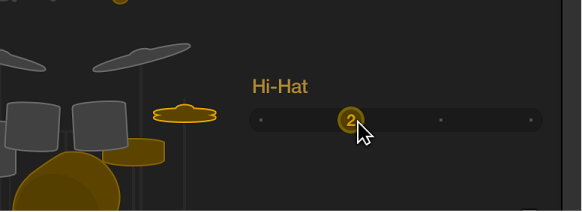
For Cymbals, Toms, and Hi-Hat: Click a kit piece, then drag the kit piece slider or choose an increment.
For Kick, Snare, and Claps: Click a kit piece, then drag the kit piece slider or choose an increment.
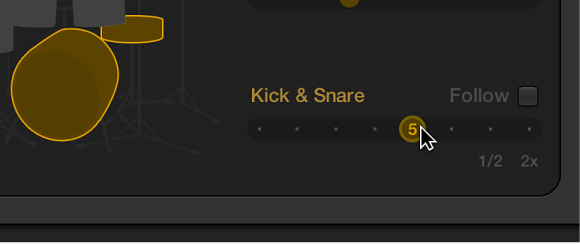
Do either of the following:
To include the piece in the performance: Click the piece so that it’s selected, or unmuted.
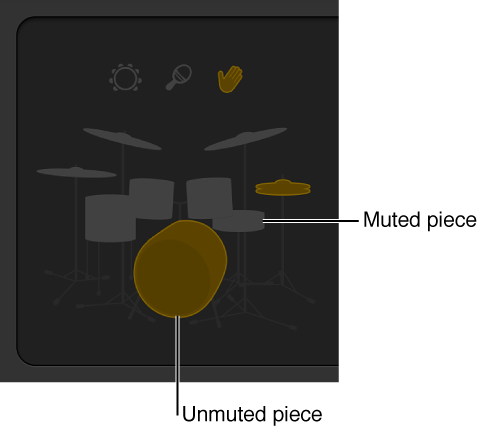
To remove a piece from the performance: Click the piece so that it’s dimmed, or muted.
Choose 1/2 or 2x at the right end of the Kick & Snare slider.
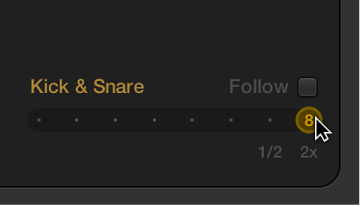
Do any of the following:
Drag the Fills knob downward to reduce, or upward to increase, the number and length of fills.
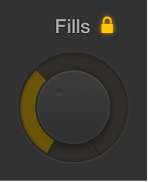
You can click the lock to prevent any changes to the fills setting when switching presets or drummers.
Drag the Swing knob vertically to adjust the shuffle feel of the currently playing pattern.
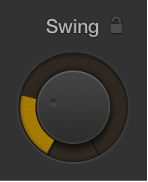
You can click the lock to prevent any changes to the swing setting when switching presets or drummers.
Click the 8th or 16th button to determine whether the swing is based on eighth notes or sixteenth notes.
Click the Details button, then do any of the following:
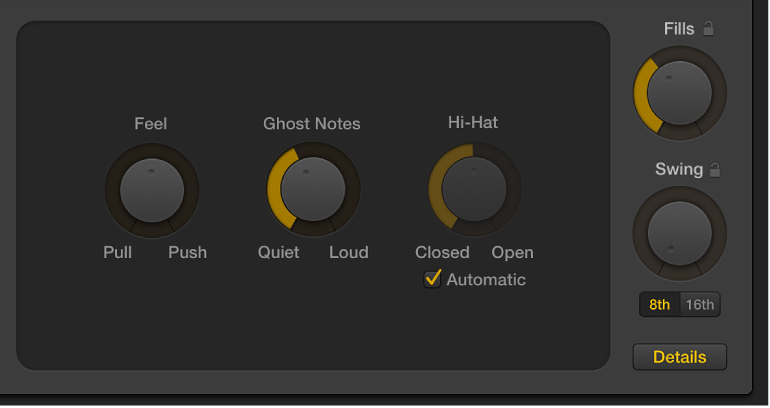
Drag the Feel knob to the right to have the drummer play ahead of the beat or to the left to play behind the beat, or sloppy.
Drag the Ghost Notes knob to adjust the level of ghost notes—syncopated snare and kick hits—in the beat.
Note: The presence of ghost notes depends on the chosen drummer and the complexity setting.
Drag the Hi-Hat knob to adjust the degree to which the Hi-Hat is opened and closed during the drum performance.
Note: This is only relevant if the hi-hat is selected in the drum kit representation.
Click the Details button, then do any of the following:
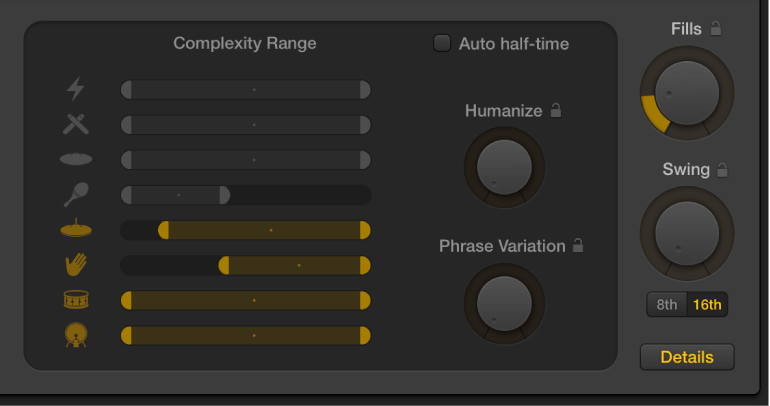
Drag the Humanize knob to generate drum patterns that are not perfectly quantized, making the performance more realistic, or human.
Drag the Phrase Variation knob to determine the amount of rhythmic change that occurs over the course of several bars within a region.
Select the Auto-halftime checkbox to have Drummer regions generated in half time, if the project tempo is a multiple of the preferred tempo.
Drag the Complexity Range sliders to offset the complexity of individual kit pieces against the XY pad.
Click the drum or percussion instruments to mute the complexity offset setting of individual kit pieces.
Any changes or selections you make in the Drummer Editor affect only the selected region, not the entire track. The selected region is regenerated in the following situations:
Region timing is changed when adjusting the Swing and Fills knobs.
Fills are regenerated when adjusting the XY pad or the Fills knob.
Accents and systems are regenerated when adjusting the XY pad or the kit piece variations.
Percussion is regenerated when adjusting the XY pad or the percussion variations.
You can also refresh the selected region, without editing any region settings, to play back a subtly different version.