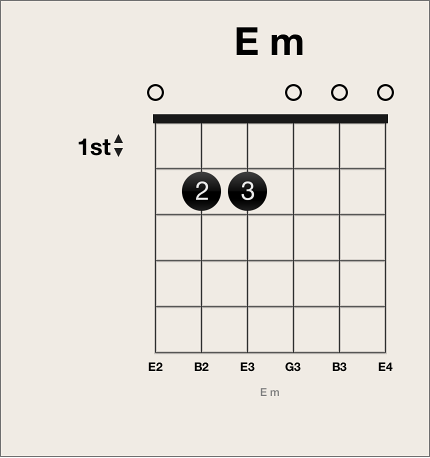
Add a fingering dot
Click the string and fret.
A black dot is created.
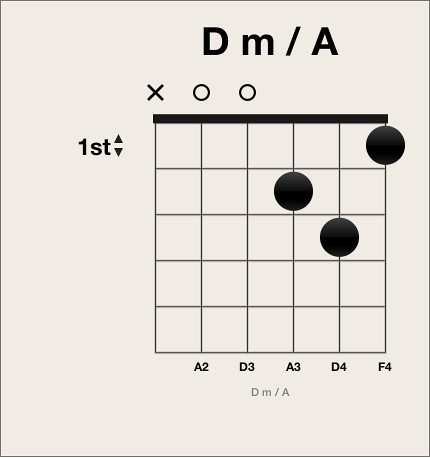

You can add, edit, and delete fingering dots on a chord grid.
Click the string and fret.
A black dot is created.
Do one of the following:
Click another fret on the same string.
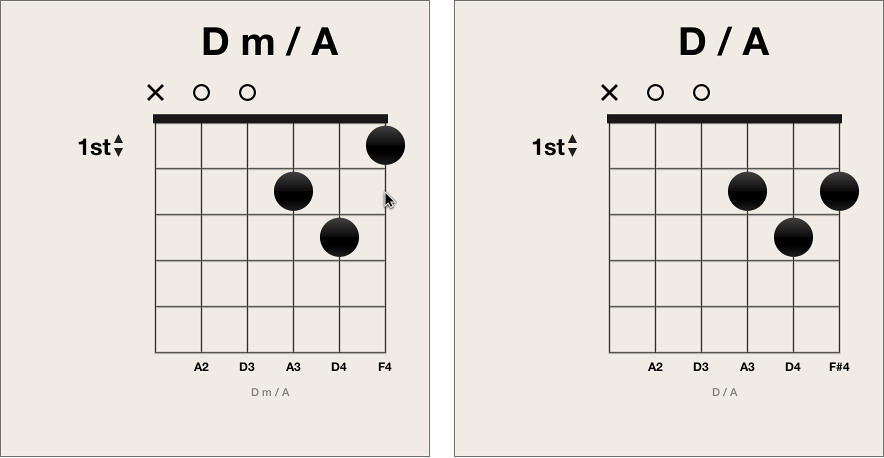
Drag the dot to a new fret position.
Control-click a dot, then choose a number between 0 and 5.
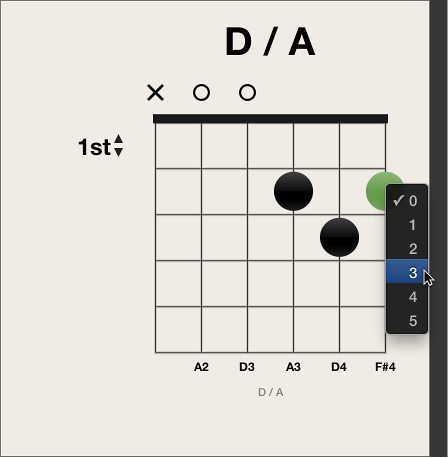
Do one of the following:
Option-click a string to create an optional dot. If another real dot exists on the same string, the real dot remains.
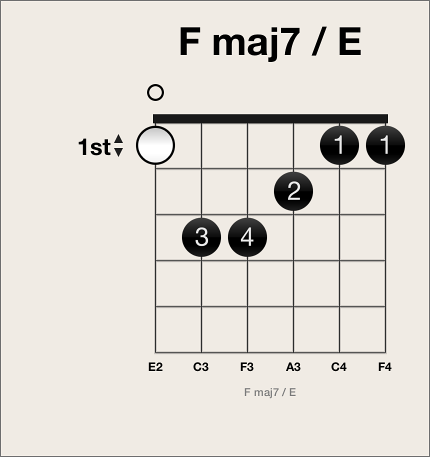
Option-click an existing dot to change it to an optional dot. An empty string is shown as a result.
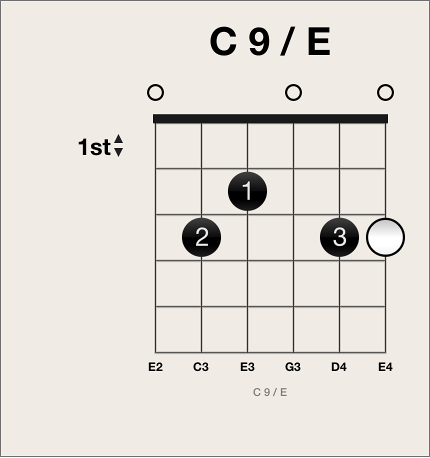
Do one of the following:
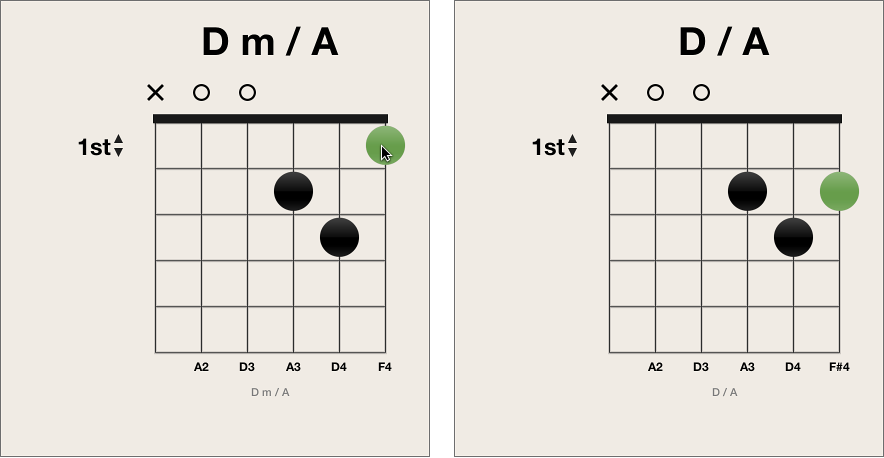
Select a dot so that it turns green, then press the Delete key.
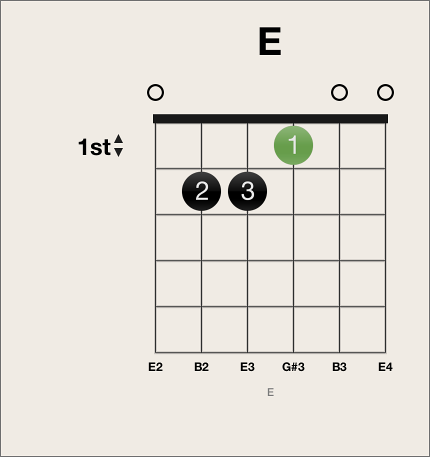
Click the area at the top of the string.
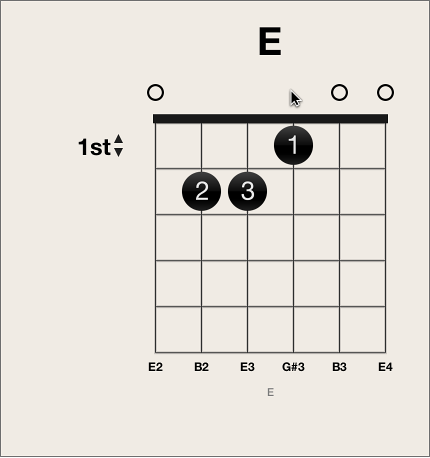
The result is the same using either approach: the string is open.