Mute a kit piece
Place the pointer over the drum cell, then click the M button that appears.
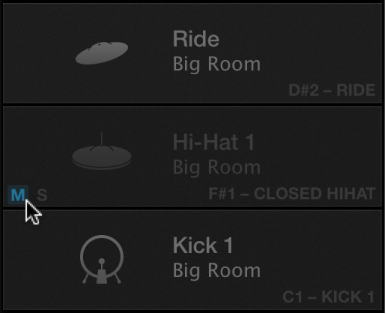
The muted cell is dimmed.

Drum Machine Designer shows a grid representation of the electronic drum kit for the currently loaded patch. Each cell represents a drum kit piece.
You can play the drums, mute and solo kit pieces, and edit a number of settings for each kit piece. You also have access to different microphones, such as overheads or room mics.
Click a drum or kit piece.
Place the pointer over the drum cell, then click the M button that appears.
The muted cell is dimmed.
Place the pointer over the drum cell, then click the S button that appears.
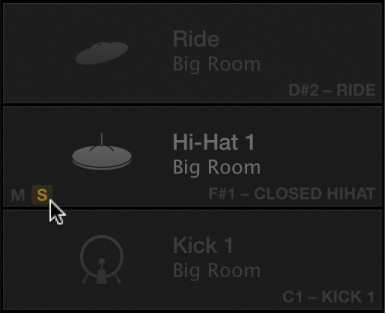
All other cells are dimmed.
Click the plug-in header area.
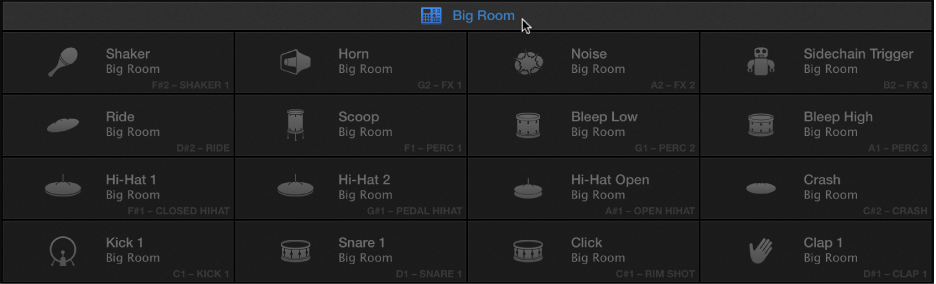
Open the Smart Controls area, then adjust screen controls to change one or more parameters for the drum kit.
Click the kit piece that you want to edit.
Open the Smart Controls area, then adjust screen controls to change one or more parameters for the kit piece.
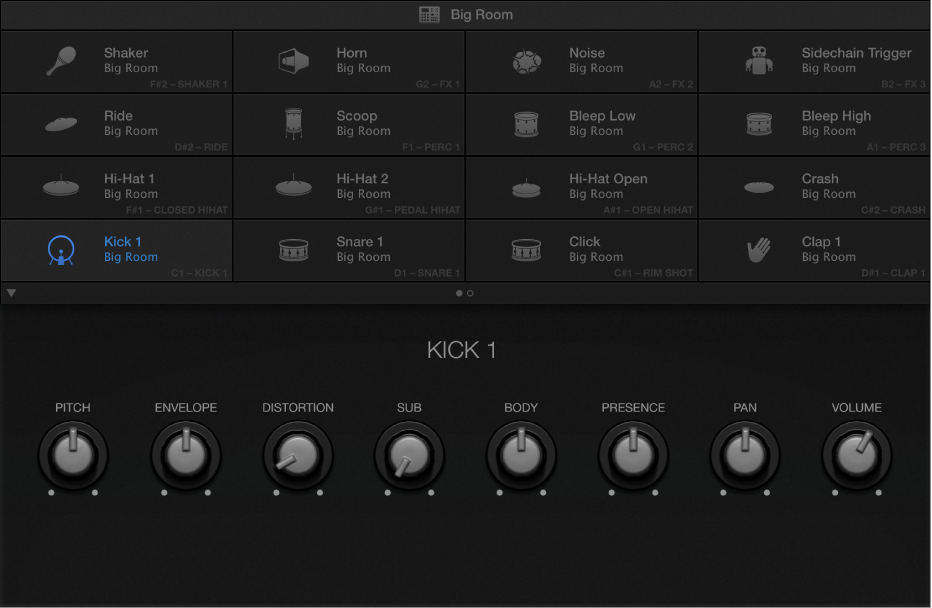
Drag to move a kit piece.
This affects the visual display but has no effect on playback.