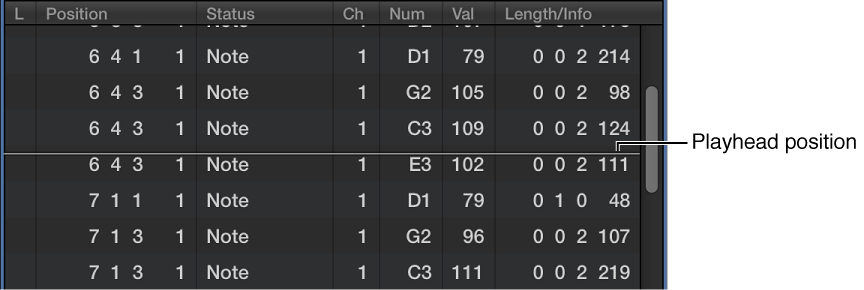

You will often find that the number of events shown in the list exceeds the amount of screen space. The list scrolls automatically when you click the Play button in the control bar, and the event at (or nearest to) the playhead position during playback is indicated by a white line.
Do one of the following:
Use the event type buttons to filter the list, thus reducing the number of displayed events.
Drag the scroll bar at the right of the list area.
Choose Navigate > Scroll to Selection (or use the corresponding key command).
Note: When a marquee selection is active, using this key command moves the visible section of the edit window to mirror the marquee selection.