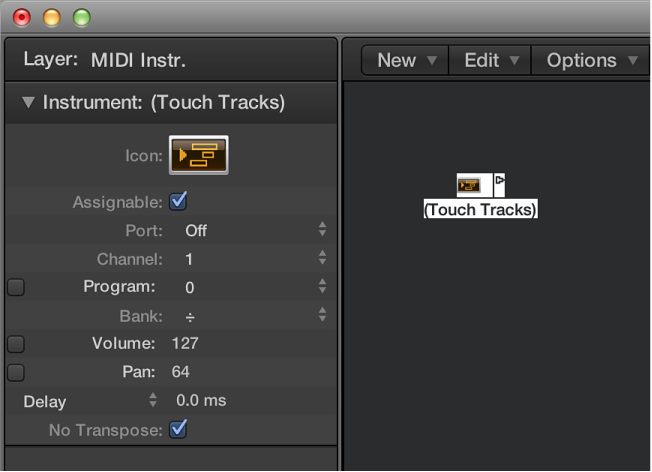

You use a touch tracks object to trigger MIDI regions or folders with single notes. This function can be used to create a new arrangement in real time, ideal for live performances.
You can’t use touch tracks to trigger audio. Any references to regions mean folders and MIDI regions, not audio regions. Despite this limitation, you could conceivably load your audio regions (as files) into the EXS24 mkII, and trigger it with a touch tracks object.
Here are some things to remember:
Only the touch tracks input has meaning—trigger notes must appear here. Although the object features an output triangle, it has no use, as events never appear here.
MIDI regions and folders triggered by touch tracks play exactly as they would from the main window: they play back through the instruments assigned to their tracks.
Logic Pro must be open for touch tracks to work.
Do one of the following:
Choose New > Touch Tracks from the Environment menu bar.
Drag a MIDI region or folder from the Tracks area into the Environment.
Do one of the following:
Assign the touch tracks object to a track.
Place the touch tracks object anywhere in the MIDI signal path.