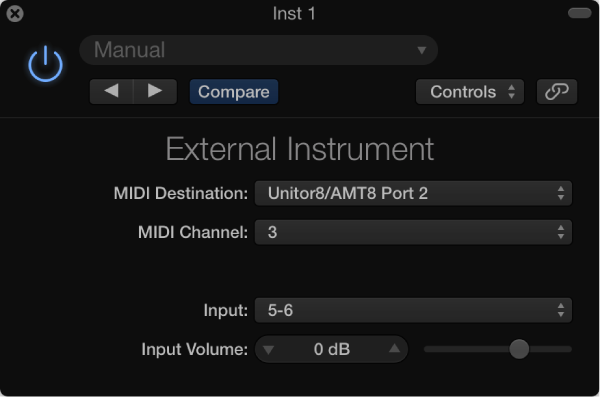

You can use the External Instrument to route external MIDI sound generators through the Mixer, which you can then process with effects.
You can also use the External Instrument to transmit and receive MIDI information through the instrument channel strip that it is inserted into. This enables you to control an external sound module—both MIDI and audio—from within one element.
To avoid constant repatching of devices, it is best to use an audio interface that supports multiple inputs and outputs. The External Instrument plug-in is inserted into instrument channel strips in place of a software instrument.
External Instrument parameters
MIDI Destination pop-up menu: Choose the target MIDI instrument and channel.
Input pop-up menu: Choose the inputs of your audio hardware that the MIDI sound generator is connected to.
Input Volume slider and field: Move to set the incoming signal level.