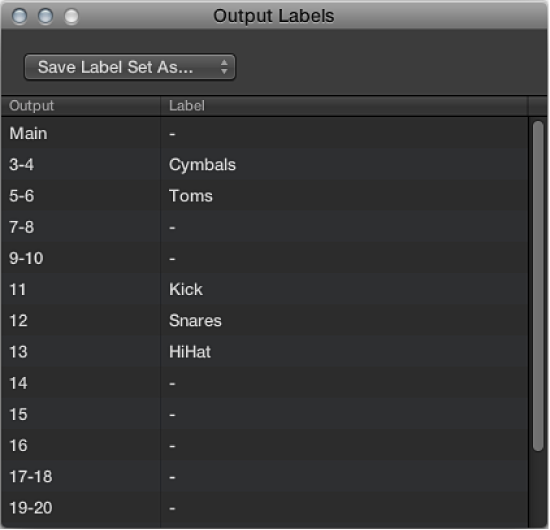

You can name the outputs used by instrument zones or groups and can save these names as a label set.
To open the Output Labels window, choose Instrument > Output Labels.
Click the field in the Label column to the right of the Output that you want to rename, and type the new name.
Press Enter, or click outside the field to complete text entry.
Select the new name from the Output subcolumn for the zone or group.
Choose Save Label Set As from the pop-up menu in the Output Labels window.
Type a name in the Label Set Name field, then click Save.
The label set name is shown in the pop-up menu in the Output Labels window.
Choose the label set name from the pop-up menu in the Output Labels window.
Choose Reset Label Set As from the pop-up menu in the Output Labels window.
All changes that you have made to label names are reset.
Choose the label set name from the pop-up menu in the Output Labels window.
Choose Delete “label set name” from the pop-up menu in the Output Labels window.