Sort zones or groups
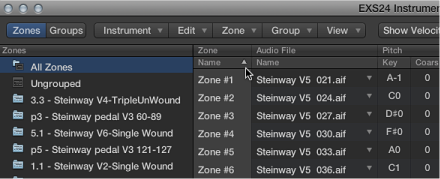
You can easily sort zones and groups in the Instrument Editor. For example, if you want to sort your zones by name, click the Name subcolumn heading in the Zone column and your zones are sorted alphabetically. If you want to sort groups by lowest to highest starting velocity, click the Low subcolumn heading in the Velocity Range column. The group with the lowest starting velocity range is displayed at the top of the list.
Do one of the following:
Click the subcolumn heading that you want to sort by.
Click the triangle to invert, or reverse, the sort order.