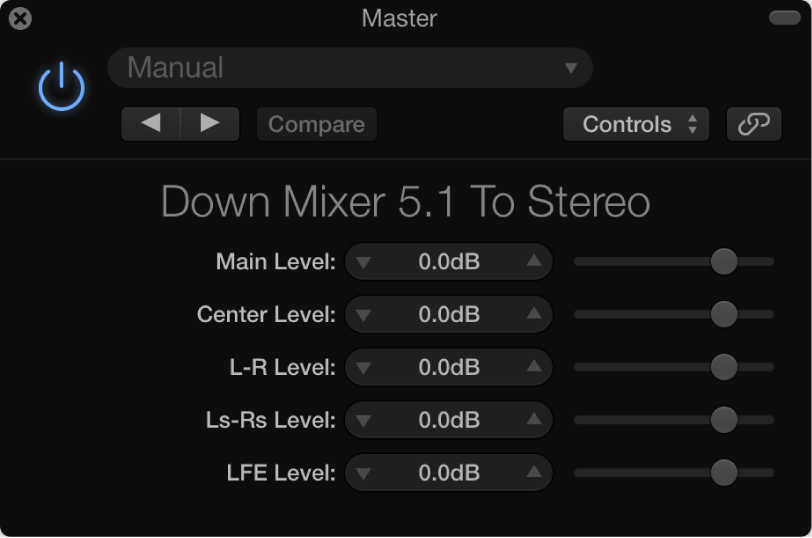

You can use Down Mixer to adjust the input format of the surround master channel strip, allowing you to quickly check a surround mix in stereo, for example.
Down Mixer parameters
Destination Format pop-up menu: Choose the output format you want to use.
Important: You choose the surround format you want from the Insert menu when you insert the plug-in.
Level sliders: Control the respective channel levels. The number and names of sliders depend on the chosen destination format. Although channel mapping, panning, and downmixing are automatically handled behind the scenes, these sliders provide you with some control over the mix.