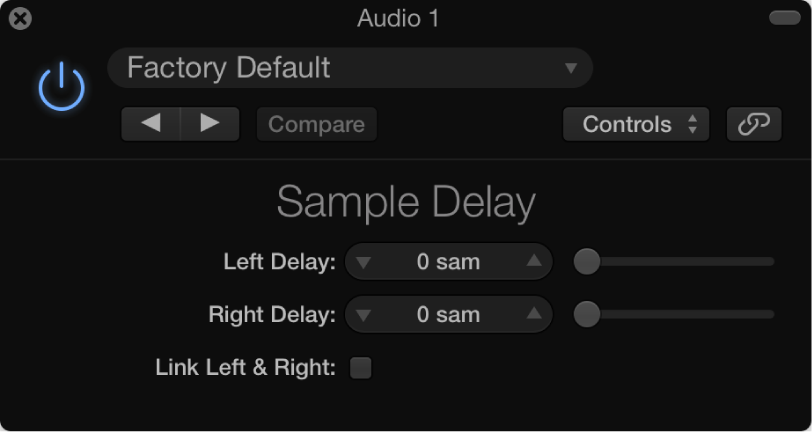

Sample Delay is more a utility than an effect—you can use it to delay a channel by single sample values.
When used in conjunction with the phase inversion capabilities of the Gain effect, Sample Delay is useful for correcting timing problems that may occur with multichannel microphones. It can also be used creatively to emulate stereo microphone channel separation.
Every sample at a frequency of 44.1 kHz is equivalent to the time taken for a sound wave to travel 7.76 millimeters. If you delay one channel of a stereo microphone by 13 samples, this emulates an acoustic (microphone) separation of 10 centimeters.
Sample Delay parameters
Delay slider and field (L and R in stereo version): Set the number of samples that the incoming signal is delayed by.
Link L & R button (only in stereo version): Turn on to make sure that the number of samples is identical for both channels. Adjusting one channel value adjusts the other.