Create a new presentation
In the presentation manager, tap Create Presentation, or tap
 in the toolbar, then tap Create Presentation.
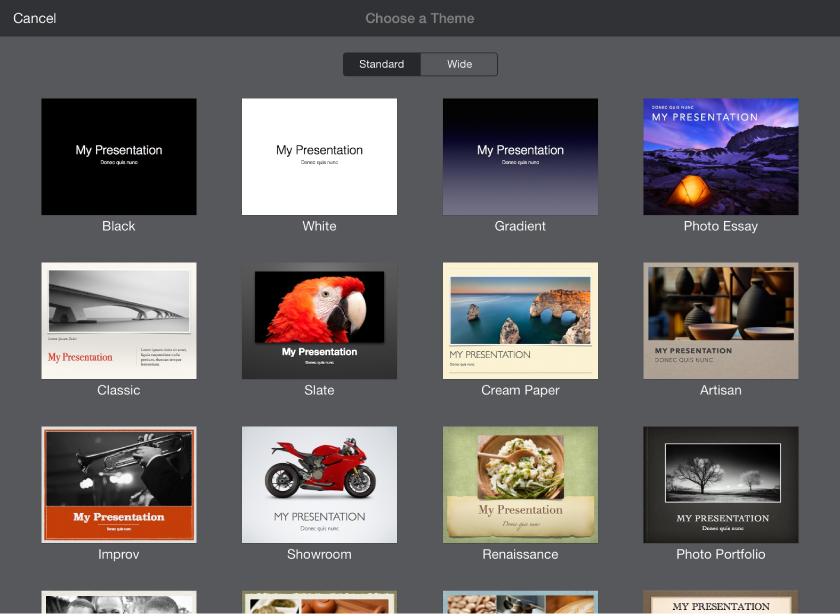
Tap a theme for your presentation.
Do any of the following to build your presentation:
Tap
 to add a new slide.
Double-tap placeholder text to add your own.
Tap
 to replace placeholder images with your own.