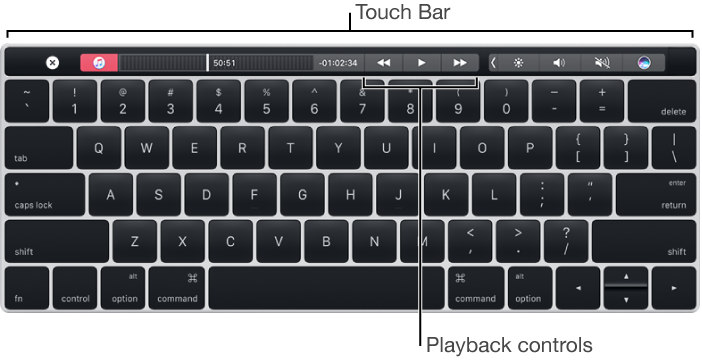
A feature available on some Mac computers. You can use familiar gestures—like tap, swipe, or slide—directly on the Touch Bar to play songs and videos in iTunes, adjust the volume, and more.
The buttons that appear in the Touch Bar vary depending on what you’re doing in iTunes. For example, these are the buttons you see when you play music:
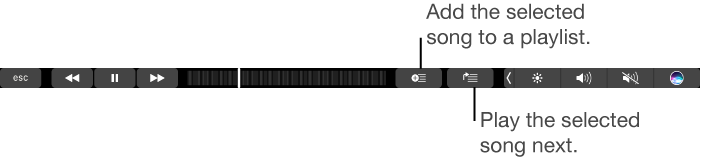
When you play a movie, the controls change.

The Touch Bar includes Touch ID, which lets you purchase items from the iTunes Store and sign in to your iTunes Store account.
For more information about the Touch Bar, see the Apple Support article.