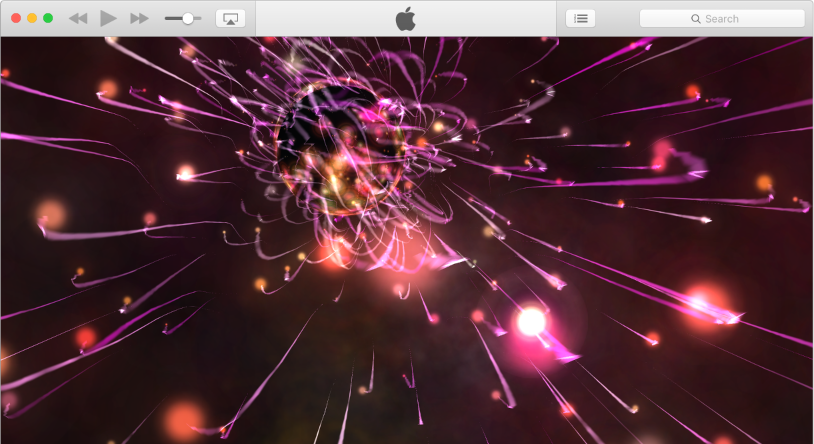

Use the iTunes visualizer to watch colorful light shows. You can use the visualizer with or without music; the effects change based on the music playing.
If you use the visualizer with a playlist that includes music videos, the visualizer shows the videos by default. You can change this setting at any time.
Turn on visual effects: Choose View > Show Visualizer.
Turn off visual effects: Choose View > Hide Visualizer, or press the Esc key.
Change options: Choose View > Visualizer > [option].
Choose View > Visualizer > Play Videos. A checkmark means videos will be shown.
Tip: To show or hide a list of commands you can use to control the visualizer, press the ? key on your keyboard while the visualizer is on.