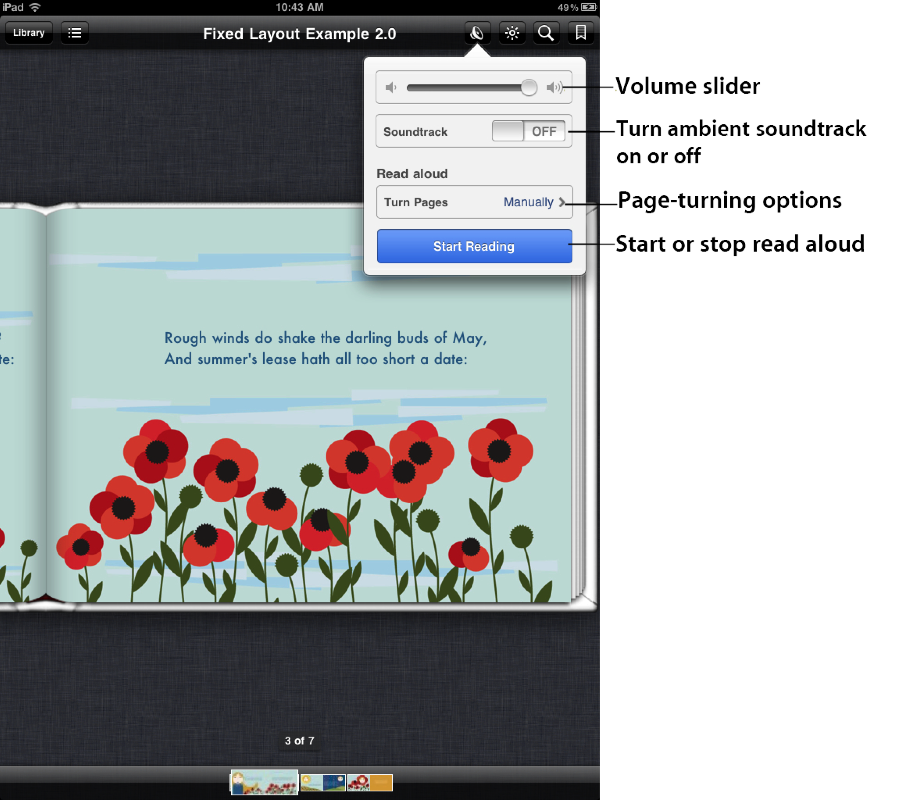
Books that have the read aloud feature have an audio button in the top toolbar. Tapping the audio button opens a popover with a volume slider, a Turn Pages option menu, and a Start Reading/Stop Reading button. Reading begins on the current page and text is highlighted as the audio is read. If automatic page turn is on, the page turns after the audio content on the page finishes playing.