See who received a message. While viewing the message, tap More in the To field.
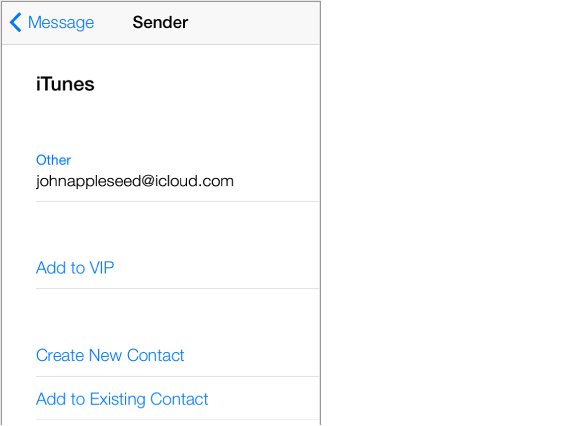
Add someone to Contacts or make them a VIP. Tap the person’s name or email address.