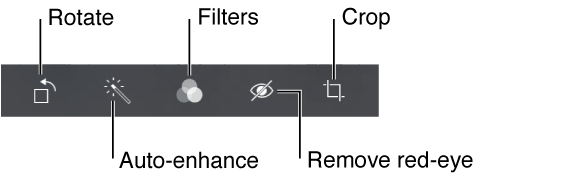
You can edit photos right on iPod touch. While viewing a photo full-screen, tap Edit, then tap one of the tools.
Auto-enhance improves a photo’s exposure, contrast, saturation, and other qualities.
Photo filters lets you apply different color effects, including black & white.
With the Remove Red-eye tool, tap each eye that needs correcting.
Crop by dragging the corners of the grid.
Don’t like the results? Tap the tool again to return to the original.
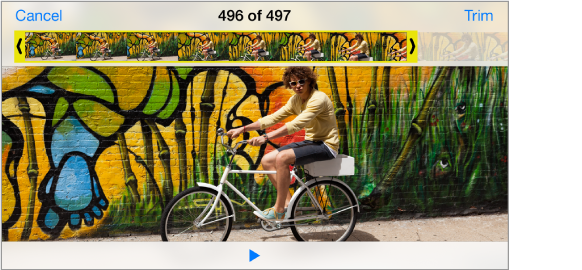
Trim a video. Tap the screen to display the controls, drag either end of the frame viewer, then tap Trim.
Important: If you choose Trim Original, the trimmed frames are permanently deleted from the original video. If you choose “Save as New Clip,” a new trimmed video clip is saved in your Camera Roll album and the original video is unaffected.