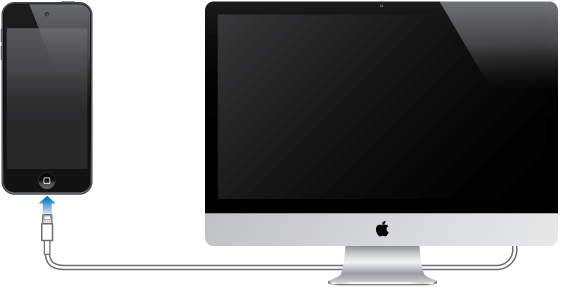
You can connect iPod touch to your computer to set it up. You also might need to connect it to complete wireless setup.
Connecting iPod touch to your computer lets you sync music, videos, and other information with iTunes. You can also sync content with your computer wirelessly. See Sync with iTunes.
To use iPod touch with your computer, you need:
An Internet connection for your computer (broadband is recommended)
A Mac or a PC with a USB 2.0 or 3.0 port and one of the following operating systems:
OS X v10.6.8 or later
Windows 8, Windows 7, Windows Vista, or Windows XP Home or Professional (with Service Pack 3 or later)
Connect iPod touch to your computer. Use the Lightning to USB Cable provided with iPod touch.