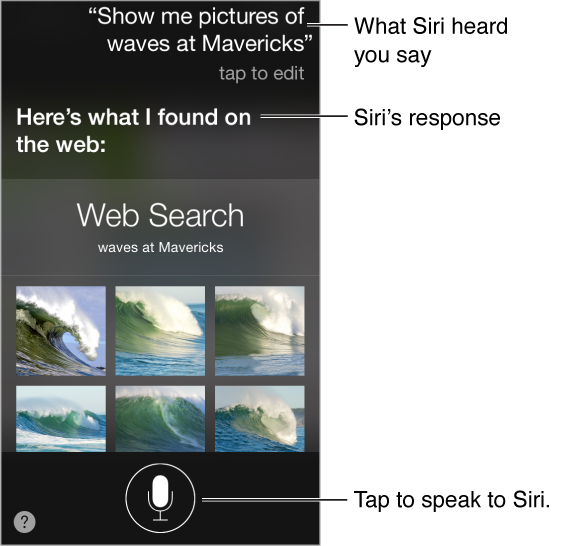
The power of Siri is yours for the asking.
Summon Siri. Press and hold the Home button, until Siri beeps.
Note: To use Siri, iPod touch must be connected to the Internet. See Connect to the Internet.
Ask Siri anything, from “set the timer for 3 minutes” to “what movies are showing tonight?” Open apps, and turn features on or off, like Airplane Mode, Bluetooth, Do Not Disturb, and Accessibility. Siri understands natural speech, so you don’t have to learn special commands or keywords.
For hints, ask Siri “what can you do,” or tap  .
.
Siri often displays helpful info on your screen. Tap the info to open a related app or get more details.
Manually control when Siri listens. As an alternative to letting Siri automatically notice when you stop talking, you can hold down the Home button while you speak, and release it when you’re done.
Change Siri’s voice gender. Go to Settings > General > Siri (may not be available in all areas).
Talk to Siri using a headset. Connect the headset, then press and hold the center or call button.