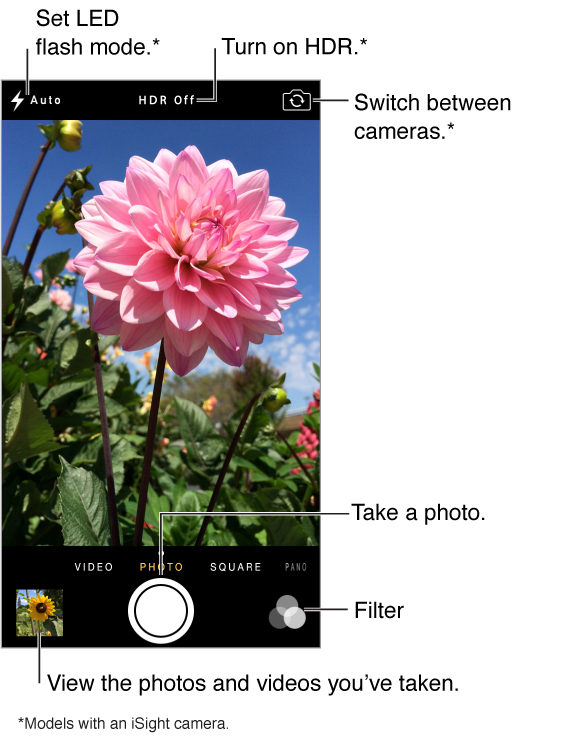
Quick! Get the camera! From the Lock screen, just swipe  up. Or swipe up from the bottom edge of the screen to open Control Center, then tap .
Quick! Get the camera! From the Lock screen, just swipe up. Or swipe up from the bottom edge of the screen to open Control Center, then tap .
Note: When you open Camera from the Lock screen, you can view and edit photos and videos by tapping the thumbnail at the lower-left corner of the screen. To share photos and videos, first unlock iPod touch.

With iPod touch, you can take both still photos and videos using the FaceTime camera on the front or, on some models, the iSight camera on the back.
The LED flash (models with an iSight camera) provides extra light when you need it—even as a flashlight, just a swipe away in Control Center. See Control Center.