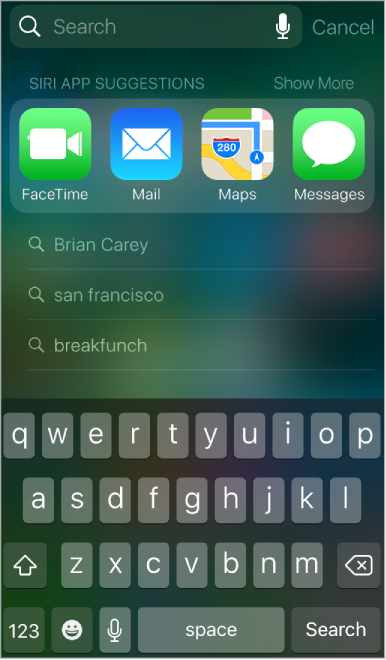
You can search iPod touch, the Internet, and apps for useful information including:
Sports scores and schedules
Weather forecasts
Stock prices
Quick conversions
Calculations
Places nearby
Media, including music, TV shows, movies, and web videos
Websites
Content in apps (for supporting apps)
Siri provides more information even before you start to type. Siri suggests:
Relevant people
Suggested apps
Places nearby
Items in the news
Search with iPod touch. Swipe down from the middle of the Home screen to show Search. Tap an item to get more information, or tap the search field. Results occur as you type; to hide the keyboard and see more results on the screen, tap Search. Tap an item in the list to open it.
Choose what to search. Go to Settings > General > Spotlight Search, then tap to deselect apps or content.
Turn off Siri Suggestions and Suggestions in Search. Go to Settings > General > Spotlight Search.
Turn off Location Services for Spotlight Suggestions. Go to Settings > Privacy > Location Services. Tap System Services, then turn off Location-Based Suggestions.
Search in apps. Many apps include a search field where you can type to find something within the app. For example, in the Maps app, you can search for a specific location.