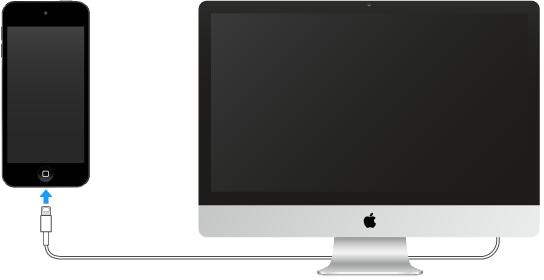
By connecting iPod touch to your computer you can sync content from your computer using iTunes and back up iPod touch with iTunes.
To use iPod touch with your computer, you need:
A Mac with a USB 2.0 or 3.0 port, or a PC with a USB 2.0 port, and one of the following operating systems:
OS X 10.9 or later with iTunes 12.5 or later
Windows 7 or later with iTunes 12.5 or later
iTunes, available from the iTunes download website
Connect iPod touch to your computer. Use the Lightning to USB Cable provided with iPod touch.
Unless iPod touch is actively syncing with your computer, you can disconnect it at any time. Look at the top of the iTunes screen on your computer or on iPod touch to see if syncing is in progress. If you disconnect iPod touch while it’s syncing, some data may not get synced until the next time you connect iPod touch to your computer.