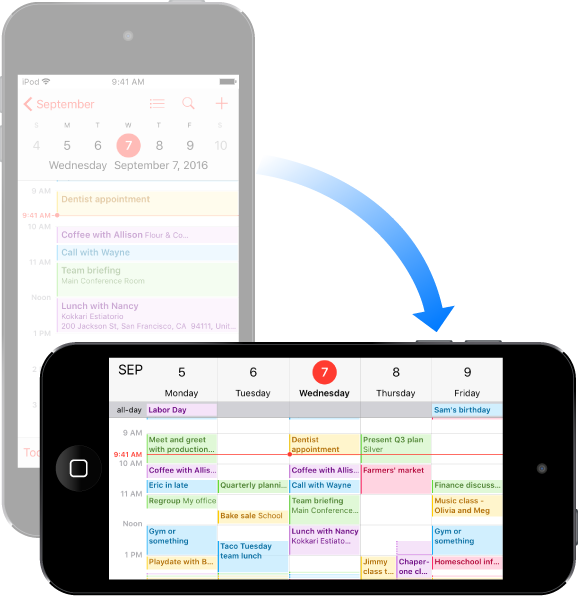
Many apps give you a different view when you rotate iPod touch.
To lock the screen in portrait orientation, swipe up from the bottom edge of the screen to open Control Center, then tap  .
.
The Lock Orientation icon  appears in the status bar when the screen orientation is locked.