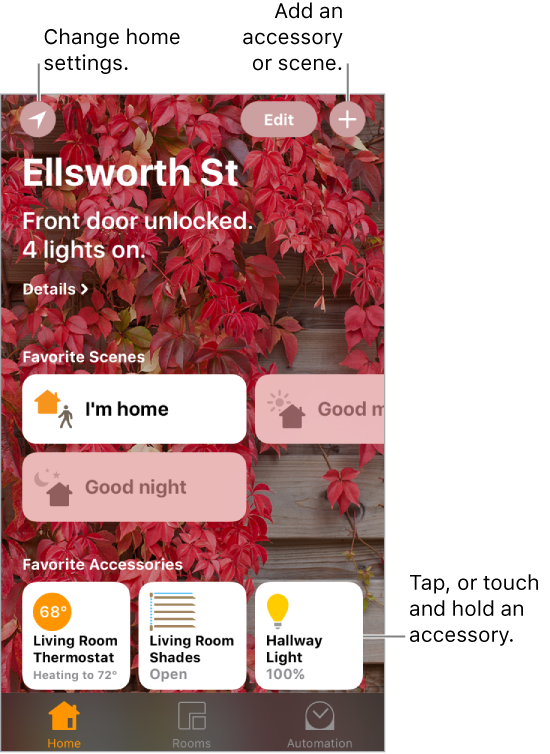
Home provides a secure way to control and automate HomeKit-enabled accessories, such as lights, locks, thermostats, window shades, smart plugs, cameras, and more. With Home, you can control any “Works with Apple HomeKit” accessory using iPod touch.
After you set up your home and its rooms, you can control accessories individually, or use scenes to control multiple accessories with one command. For example, you might create a scene called “going to bed” that turns off the lights around the house, dims the lights in the room “master bedroom” to 30%, then locks the front door and lowers the thermostat.
If you have an Apple TV (4th generation or later), or iPad that you leave at home, you can schedule scenes to run automatically at certain times, or when you activate a particular accessory (such as unlocking the front door). This also allows you, and others you invite, to securely control your home while you’re away.