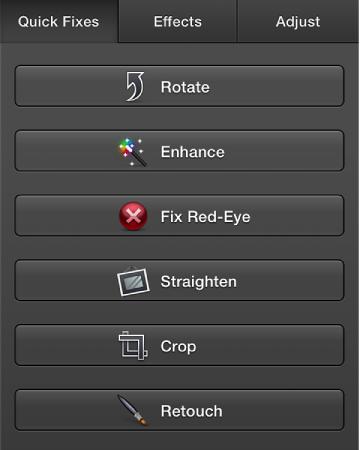

To make changes to a photo—to crop it, lighten or darken it, add effects, and so on—you need to open the photo in edit view, so that the edit tools appear:
To open a photo in edit view, do one of the following:
If you’re working in your library or an album, select the photo, and then click the Edit button.

If you’re working on a slideshow, double-click the photo in the main viewing area or in the photo browser at the top of the window.
If you’re working on a book, card, or calendar, select a photo, click the Design button in the toolbar, and then click Edit Photo. If you don’t see the Edit Photo button, make sure a photo is selected, not the whole page.