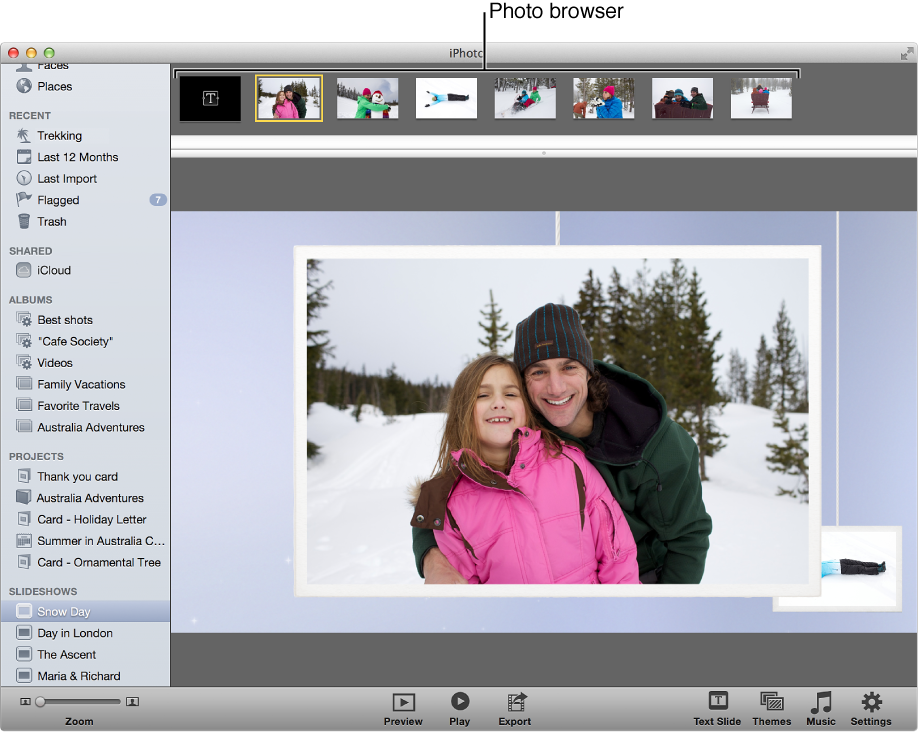

The photo browser gives you access to all the photos in a saved slideshow or customized print job. You can scroll through the thumbnail images in the photo browser and drag them into the order you want them to appear in your slideshow or print job. You can also click any of the thumbnail images to see the photo enlarged in the main viewing area.
In a slideshow, select a photo’s thumbnail image in the photo browser to add text to that slide or change its settings.