
Change a calendar’s theme
Click the calendar project in the Source list.
Click the Change Theme button at the top-right corner of the iPhoto window.
The window updates to show a rotating display of calendar themes.
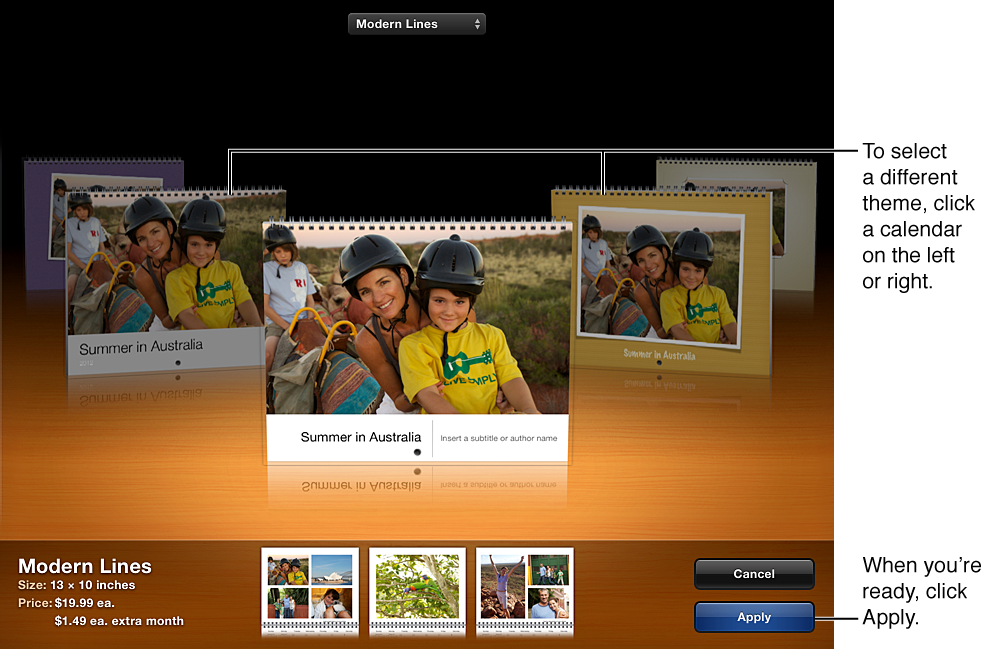
To select a calendar theme, click a calendar on the left or right to move through the calendar themes.
When you’re ready, click the Apply button.