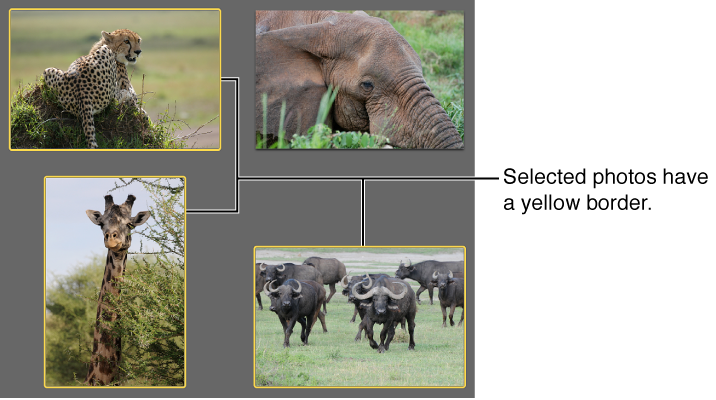

To select a photo, click it. A selected photo has a yellow border.
Here are other ways to select photos:
To select more than one photo, hold down the Command key while you click each photo.
Drag to select multiple photos.
To select a continuous range of photos, click the first photo, and then press the Shift key while you click the last photo.
Note: You can use these same methods to select one or more events or Faces snapshots.