
Change a card’s layout
Click the card project in the Source list.
Select a card page.
Do one of the following:
If you’re working with a folded or flat card, click the layout button above the page, and then choose a new page layout.
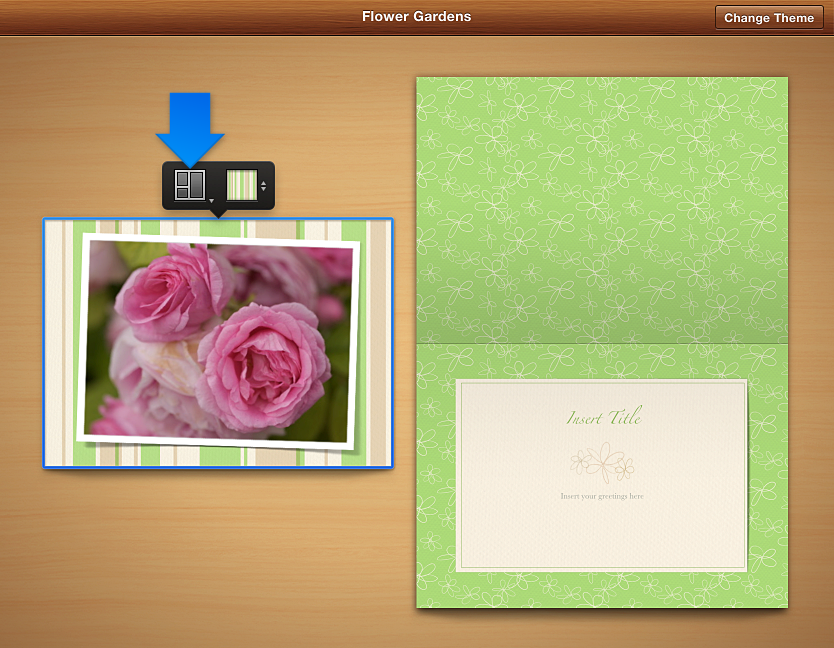
Click the Layout button in the toolbar, and then select a layout in the Layout pane.
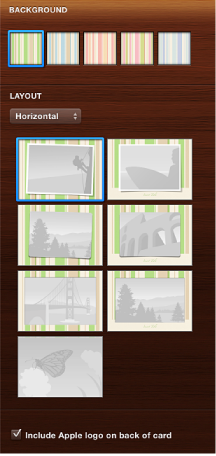
For some themes, you can choose an orientation. When you do, corresponding page layouts appear in the Layout pane.