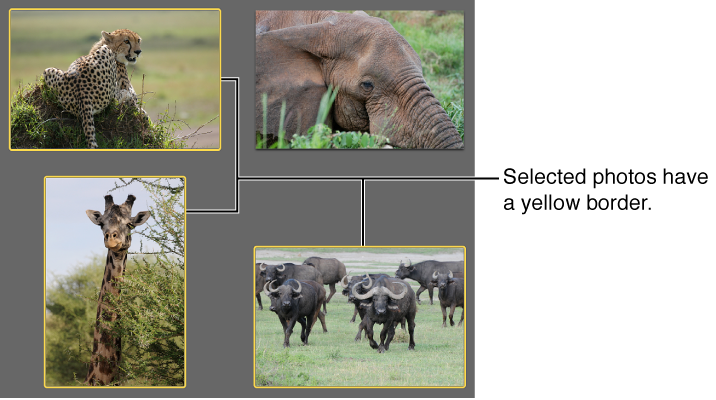

When you want to do something with a photo—for example, edit it or email it—you need to select it first. A selected photo has a yellow border around it.
Note: You can use these same methods to select one or more events, Faces, or Places groups.
Do any of the following:
To select a single photo, click it.
To select several photos located together, drag around the photos to enclose them within the selection rectangle.
To select a group of photos located next to one another, click the first photo, then hold down the Shift key while you click the last photo.
To select multiple photos that are not adjacent to one another, hold down the Command key as you click each photo.
To select all the photos in a group, such as an event, press Command-A or choose Edit > Select All.
To deselect specific photos in a group of selected photos, hold down the Command key and click the photos you want to deselect.
To deselect all photos, click outside a photo.